The smartest way to manage your 3D assets. Discover, download, and one-click import all textures, models, and decals from your LotPixel library to your favorite software.
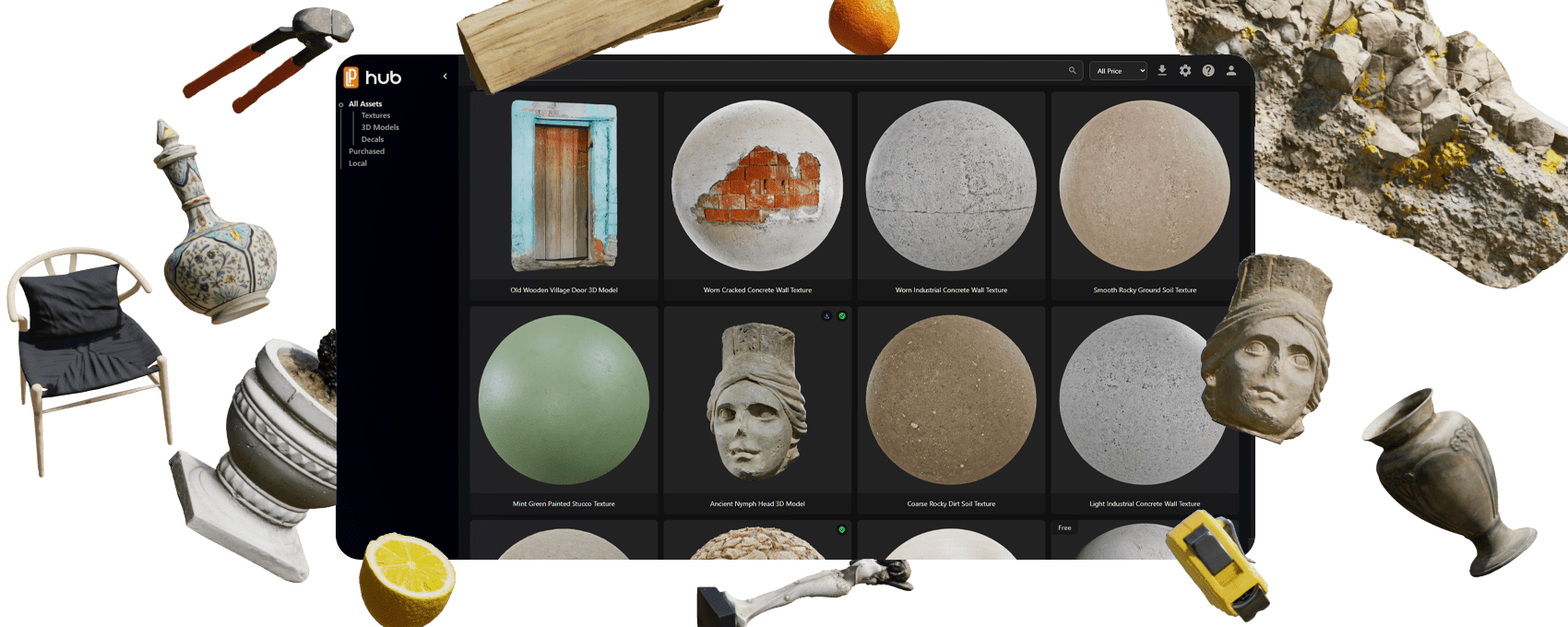
LotPixel Hub is designed to accelerate your 3D workflow. Every feature is optimized to help you focus on your creative process.
Find the texture, model, or decal you're looking for in seconds. Thanks to the smart search system and category structure, you can quickly browse the library and easily find the asset you need.
To download the selected asset, simply click the "Download" button. You can download the entire asset at once, or select and save only the maps you need separately. All downloads are automatically transferred to your specified folder and instantly indexed by the Hub.
Import assets into Blender or 3ds Max with one click. Maps are assigned automatically and materials are built for your target workflow. All files are automatically connected to the correct nodes and become ready for use.
Special integration for SketchUp coming soon.
Special integration for Unreal Engine coming soon.
Special integration for Maya coming soon.
Special integration for Unity coming soon.
Special integration for Cinema 4D coming soon.
Advanced features developed specifically for Blender, working only in Blender
The Blender addon automatically creates a clean and correct PBR node setup. Albedo, Roughness, Metallic, Normal, Displacement, and all other maps are correctly connected. Everything comes ready in the Shader Editor. Say goodbye to manual node connection operations.
After assets are added to Blender, you can edit material properties directly through LotPixel Hub. Adjust Roughness, Metallic, Normal, Displacement, Opacity, and more in real-time. Changes are instantly reflected in Blender. Continue editing materials without closing the scene.
Advanced features built for 3ds Max workflows.
The 3ds Max add-on builds a clean, correct material setup for your renderer (V-Ray / Corona / Arnold). Albedo, Roughness, Metalness, Normal, Displacement and more are connected automatically. Say goodbye to manual node connection operations.
After import, you can adjust key parameters (tiling, rotation, roughness/normal intensity, displacement, opacity) and quickly iterate without rebuilding materials. This allows you to fine-tune the material directly in the scene and adapt it to different surfaces in just a few seconds.
Special features for SketchUp are in development.
Special features for Unreal Engine are in development.
Special features for Maya are in development.
Special features for Unity are in development.
Special features for Cinema 4D are in development.
Install LotPixel Hub and start working immediately. Blender and 3ds Max add-ons can be installed in just a few clicks from inside the Hub.
When you install LotPixel Hub, you can set up the Blender and 3ds Max add-ons in minutes and start importing right away.
Download the desktop application and start managing your assets instantly.

Windows 10+ 64bit | Blender 4.2+ | 3ds Max 2023+