Guides, tutorials, and creative resources for 3D artists.
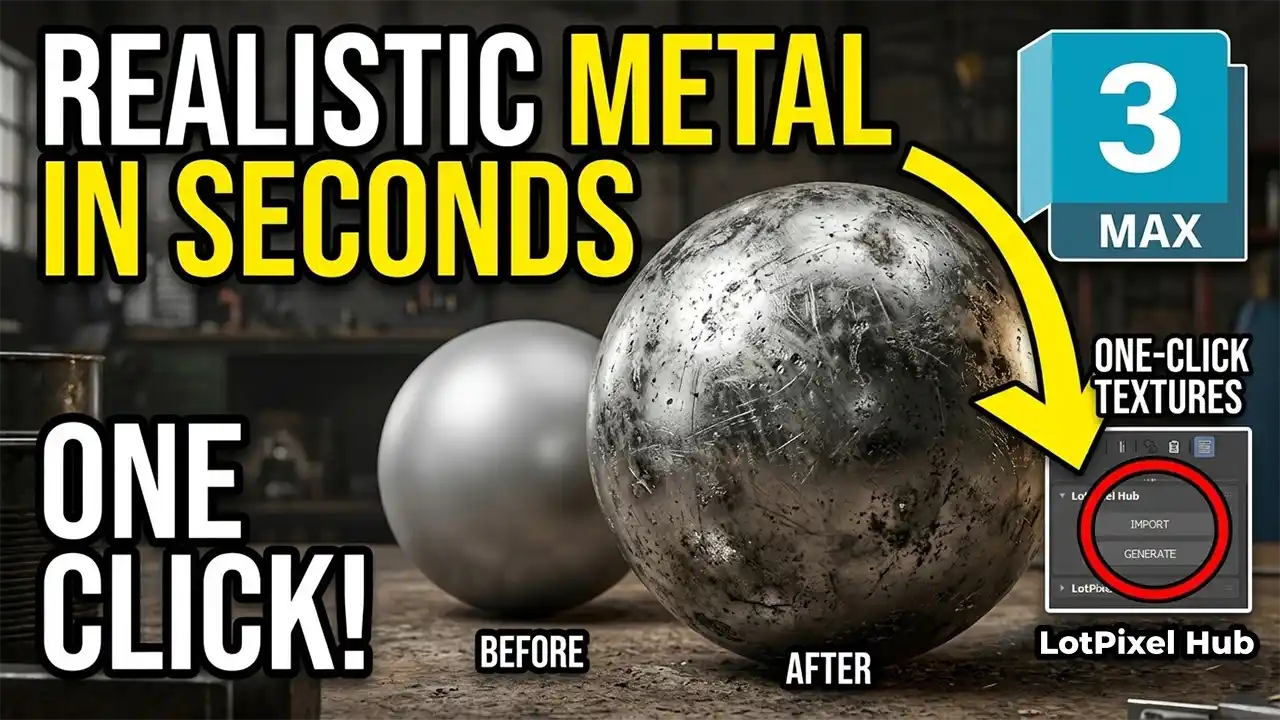
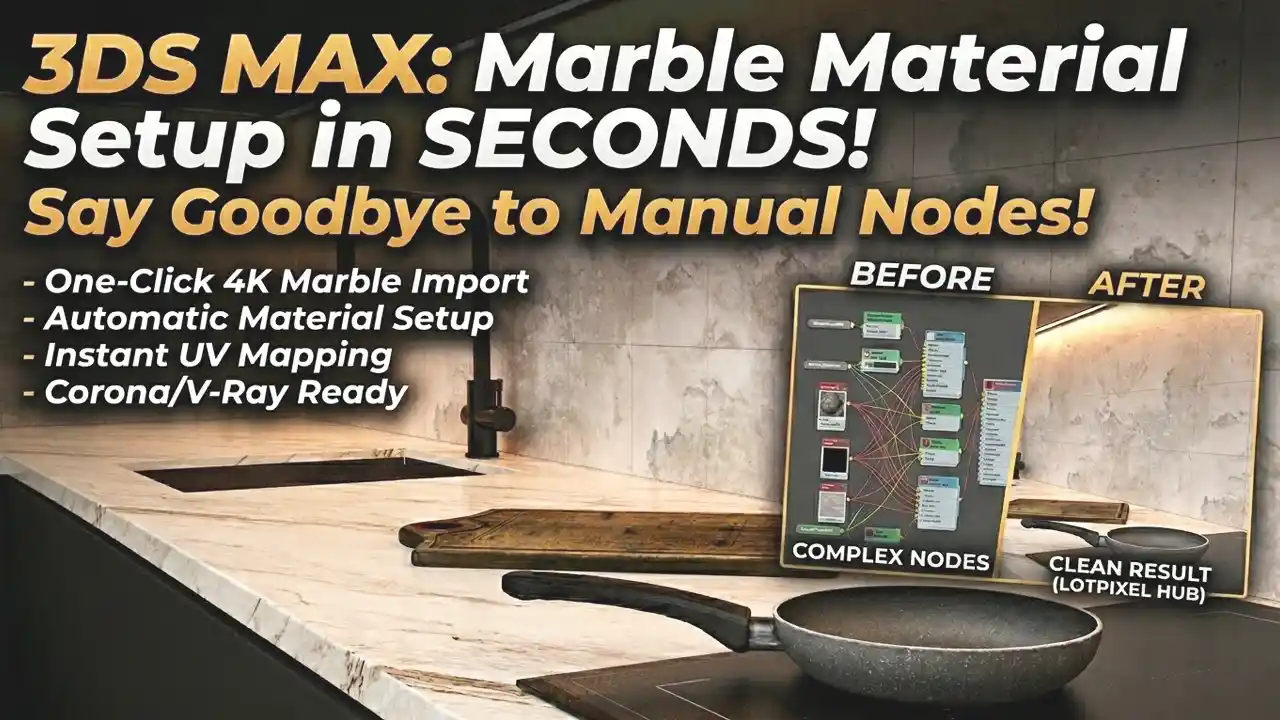
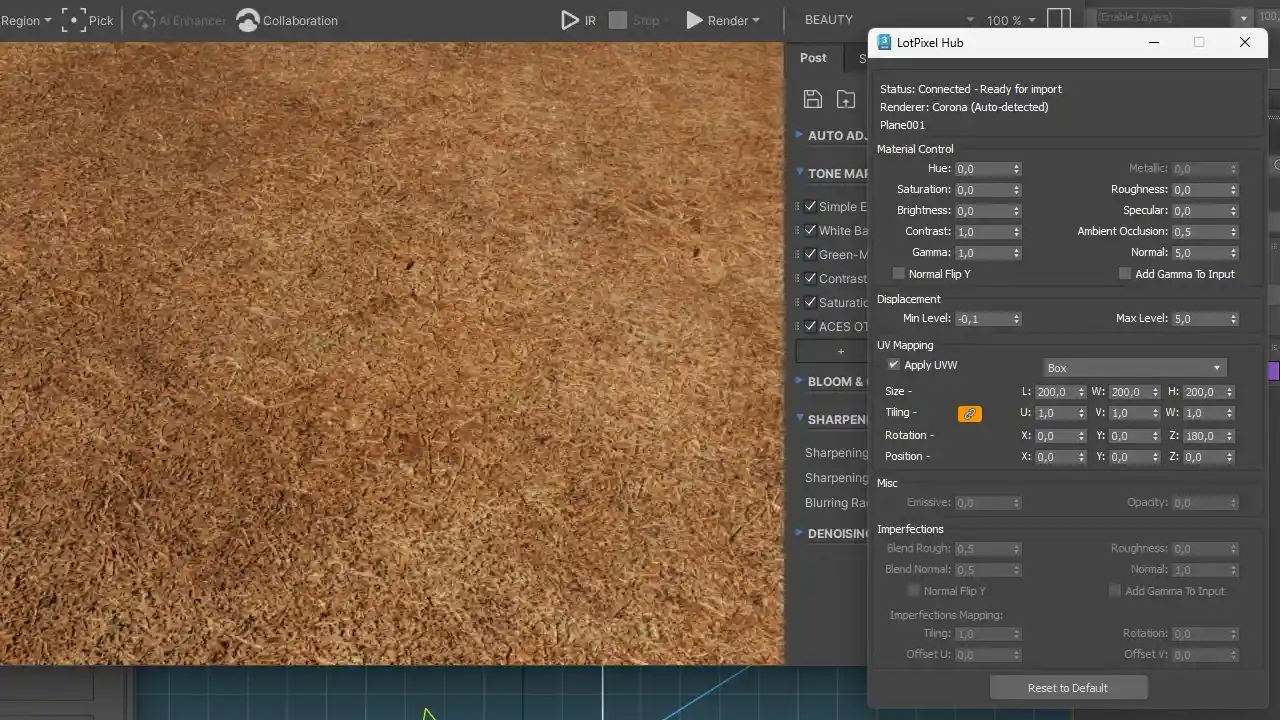

Learn how to create realistic metal materials in 3ds Max using imperfections like dirt, scratches, and surface variation. Improve your renders with professional techniques.
Tutorials
Learn how to create realistic metal materials in 3ds Max using imperfections like dirt, scratches, and surface variation. Improve your renders with professional techniques.
Tutorials
Struggling with a slow 3ds Max workflow? It’s not your PC. Discover what’s actually slowing you down and how to fix it.
Tutorials
Learn how to import grass textures into 3ds Max in one click without any manual setup. Discover a faster workflow using LotPixel Hub that automatically creates ready-to-render materials with correct scale, maps, and settings.
Industry
Discover how 3D product animation works, why brands are adopting CGI, and how high-quality PBR textures help create realistic product visuals.
News
LotPixel Hub now supports Autodesk 3ds Max. Import textures and 3D models with one click, automatically create materials for Arnold, V-Ray and Corona, and quickly adjust settings like roughness, displacement and UV tiling directly in the interface
 Tutorials
Discover how ground stone and volcanic rock surfaces can improve your 3D workflow. A modern approach to faster scene building using scanned textures and 3D models.
 Materials
A practical guide to achieving realistic fabric surfaces in Blender using cloth simulation, subdivision, and high-quality fabric textures.
 Tutorials
Learn how to create realistic marble materials in Blender using correct scale, roughness control, and subtle surface imperfections.
 Tutorials
Create realistic wood parquet materials in Blender using imperfections. Learn how to add scratches, stains, and surface variation with a one-click workflow powered by LotPixel Hub.
 Tutorials
Learn how to create realistic concrete textures in Blender using LotPixel Hub. One-click import, correct normal maps, displacement control, and a clean PBR workflow.
 News
News
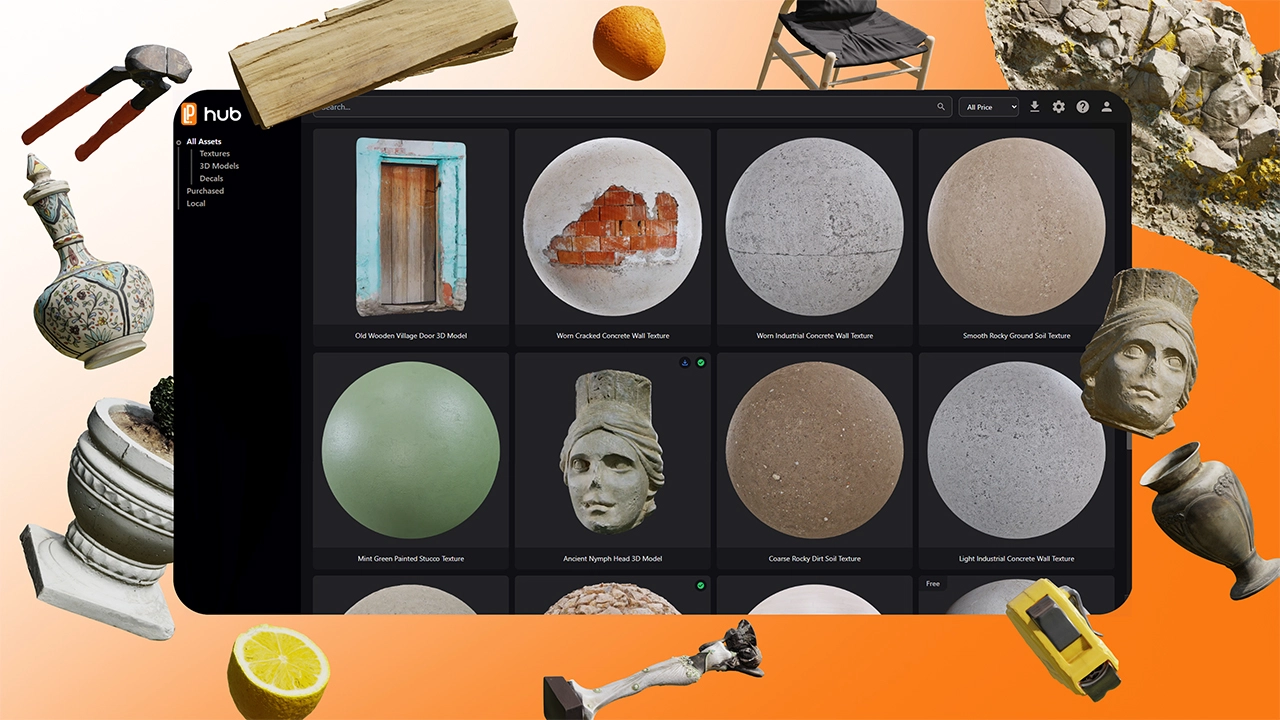
LotPixel Hub Beta is live! Access high-quality blender textures, fast textures for blender workflow, free texture blender options, one-click import and full material control.
 News
News
Access over 6,000 PBR textures, 3D models, and decals in Blender with LotPixel Hub. Use 1,500 free assets instantly. Completely free during the beta period