PBR is a workflow for making materials respond more predictably to light. This tag should explain core map types, physical matercial behavior, metallic and specular logic, roughness control and how PBR assets remain useful across different renderers and real-time engines.
 Materials
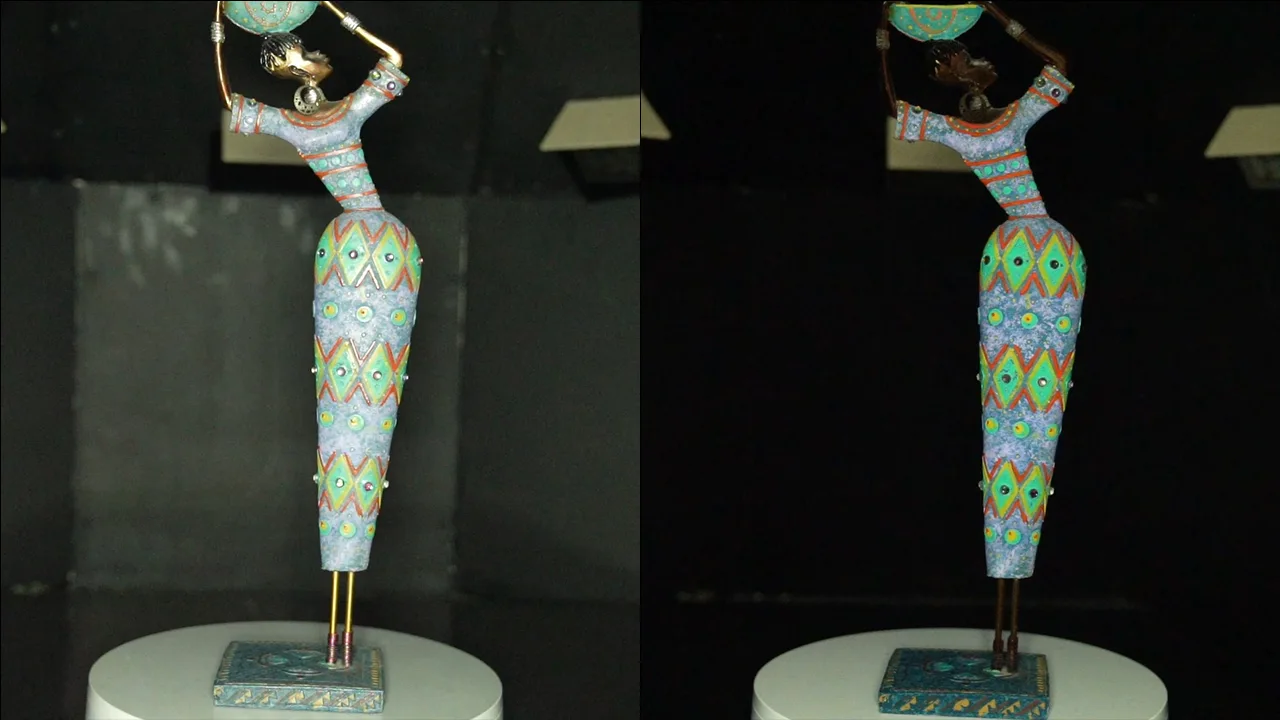
A detailed guide for 3D artists, VFX professionals, and photogrammetry experts. Discover how cross polarization helps capture glare-free textures and boosts material accuracy.
 Materials
Learn how photogrammetry-based textures are made, from capturing high-resolution photos to processing them into realistic 3D textures.
 Materials
MDL, short for Material Definition Language is a powerful framework developed by NVIDIA that allows for the creation and rendering of highly realistic materials in computer graphics. It provides a standardized and flexible approach to describe the appearance and behavior of materials used in 3D rendering applications. NVIDIA's MDL Nvidia offers a wide range of features and capabilities to create complex and visually stunning materials. It allows artists and developers to define various aspects of a material, such as surface properties, textures, reflectivity, translucency, and more. MDL also supports the creation of physically-based materials, enabling accurate simulations of light interactions and realistic rendering results.
 Materials
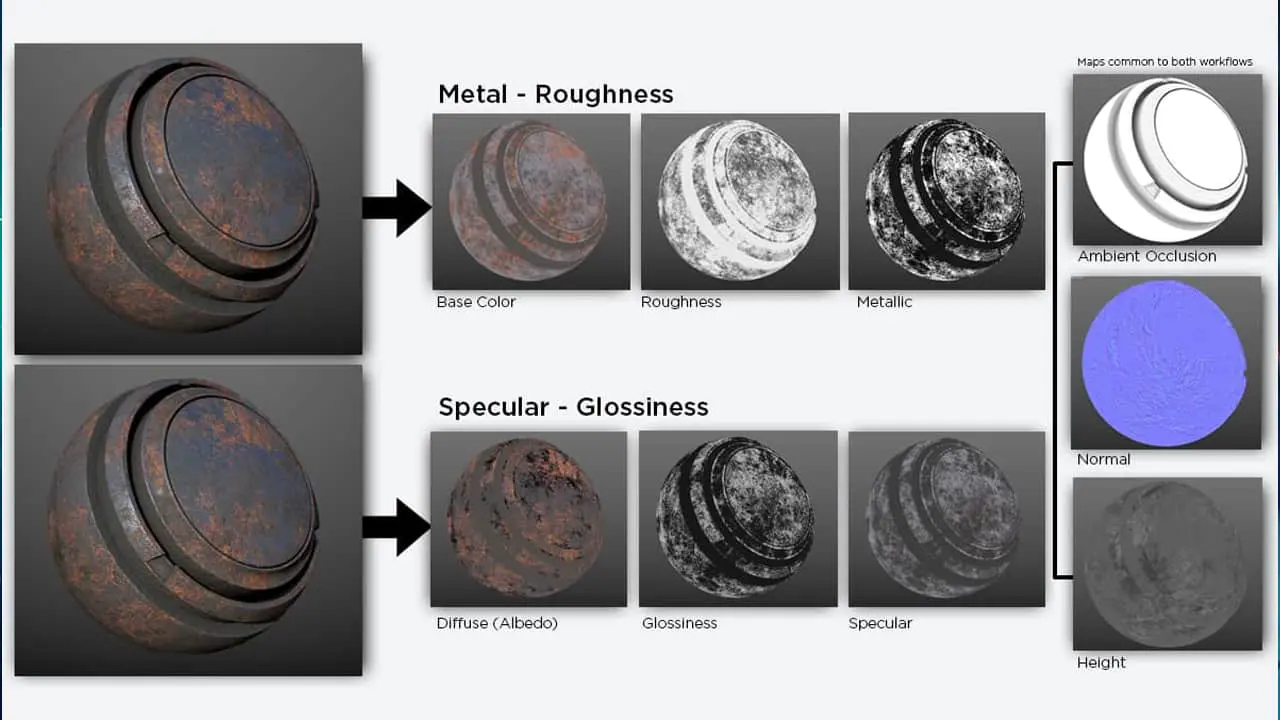
Physically Based Rendering (PBR) has transformed the world of computer graphics and game development by introducing a more accurate and realistic approach to texturing. PBR textures simulate how light interacts with various materials, resulting in stunning 3D visuals that closely resemble their real-world counterparts. PBR textures are created using either a Metallic or Specular workflow. These workflows define how different properties of a material, such as its reflectivity and roughness, are represented in the texture maps. Understanding the differences between these workflows and knowing how to use PBR textures effectively can greatly enhance the quality and authenticity of your digital creations.
 Materials
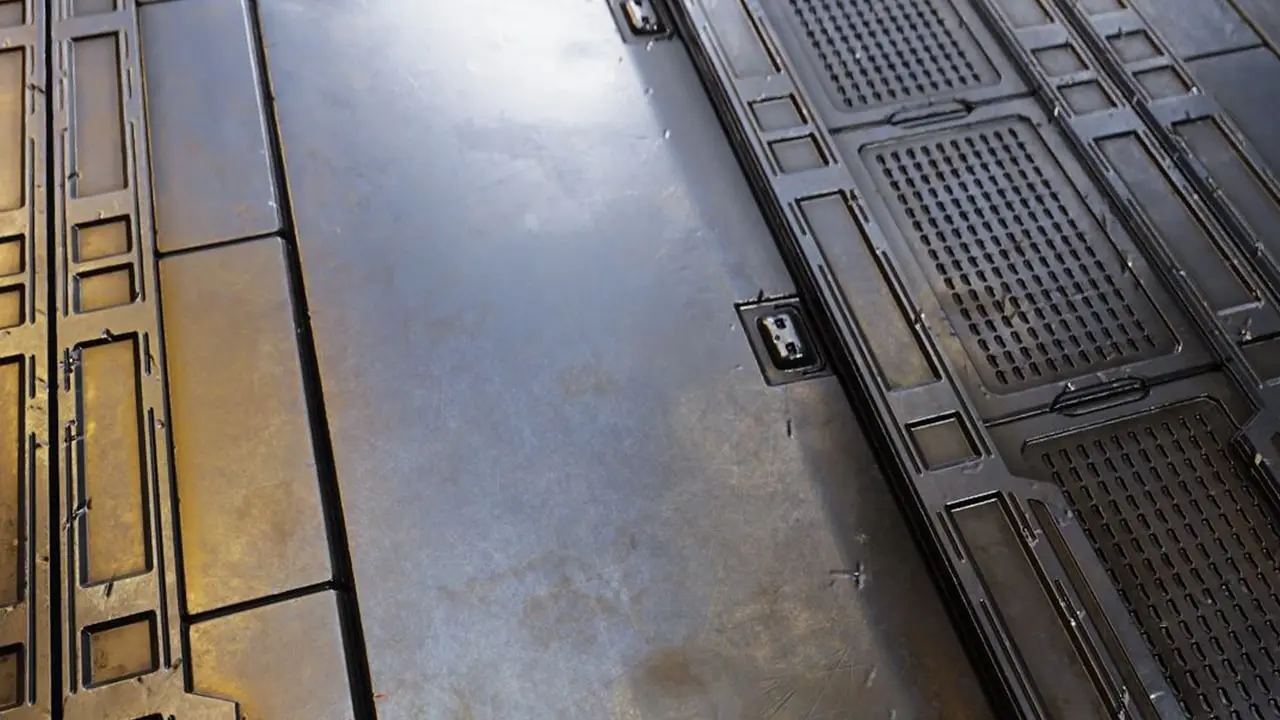
Physically-Based Rendering (PBR) textures are a contemporary way of 3D rendering that offers numerous benefits over traditional texturing methods. PBR textures simulate real-world materials, making them a main tool for creating realistic and accurate 3D models. In this context, PBR textures provide enhanced efficiency, versatility, and cost-effectiveness, making them fatal assets for designers, artists, and game developers. In this article, we will find the very benefits of using PBR textures in 3D rendering.
 Materials
Learn how photogrammetry works, how to capture better scans, create PBR textures, 3D models, build LODs, and produce realistic assets for games, archviz.