3ds Max production work depends on predictable materials, clean imports and renderer-friendly asset setup. This category should focus on practical workflows for using LotPixel textures, 3D models and decals in 3ds Max, including material creation, mapping control, renderer differences, viewport issues and ArchViz-ready scene preparation.
 Tutorials
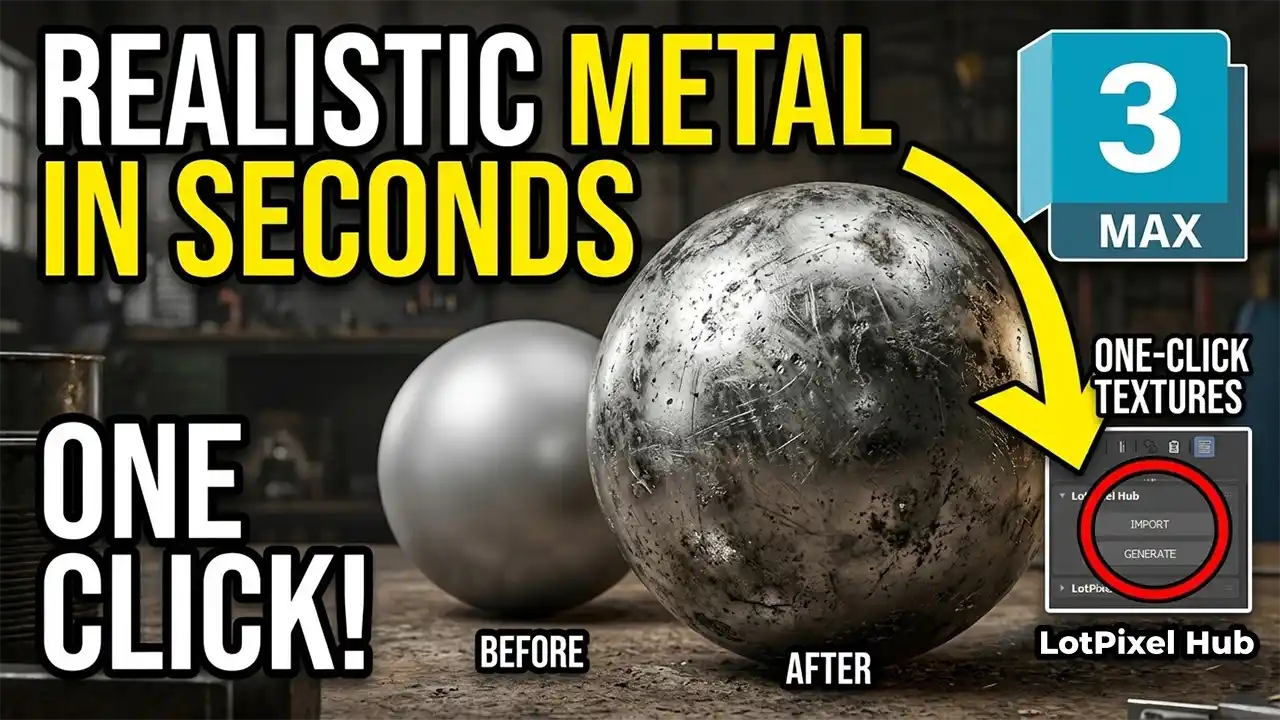
Learn how to create realistic metal materials in 3ds Max using imperfections like dirt, scratches, and surface variation. Improve your renders with professional techniques.
 Tutorials
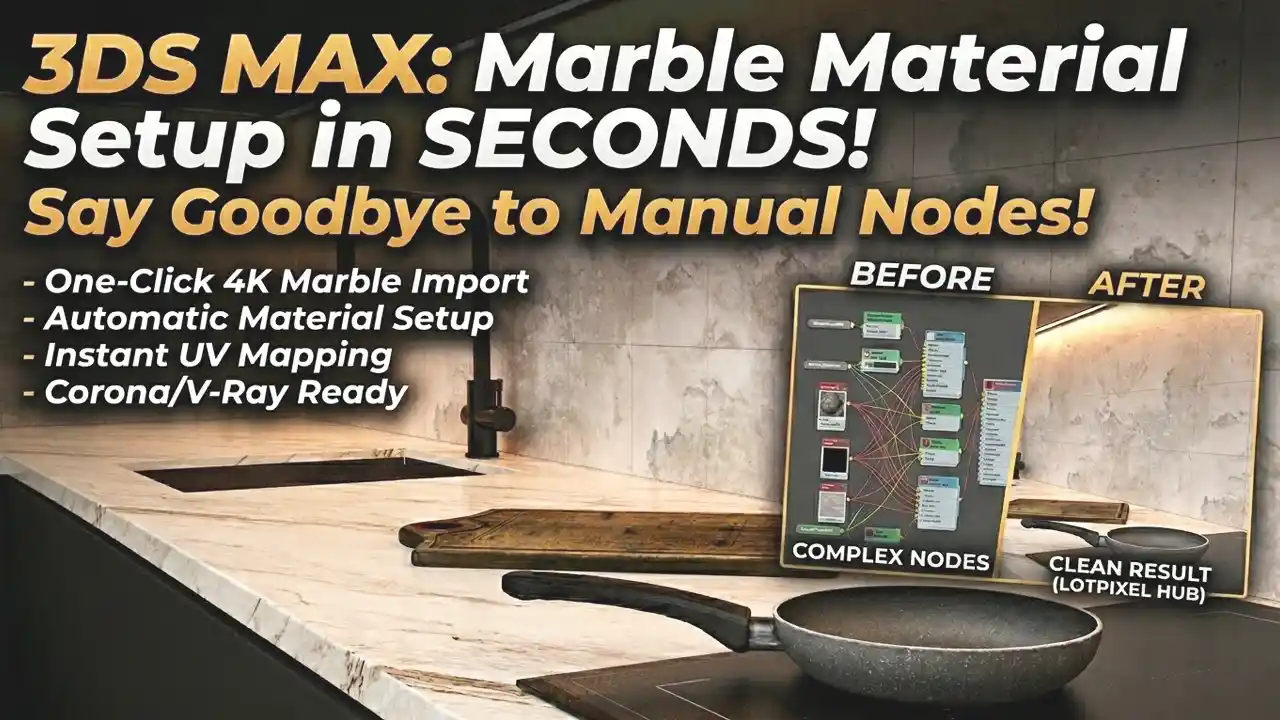
Struggling with a slow 3ds Max workflow? It’s not your PC. Discover what’s actually slowing you down and how to fix it.
 Tutorials
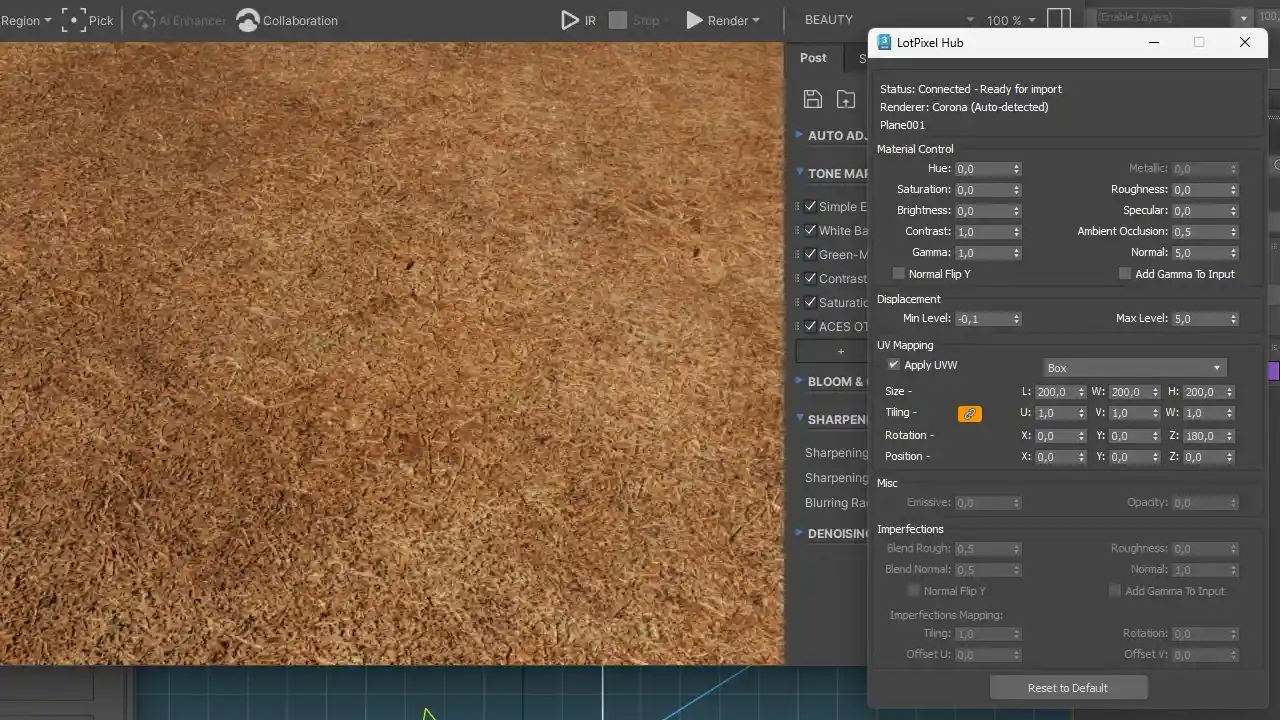
Learn how to import grass textures into 3ds Max in one click without any manual setup. Discover a faster workflow using LotPixel Hub that automatically creates ready-to-render materials with correct scale, maps, and settings.
 News
News
LotPixel Hub now supports Autodesk 3ds Max. Import textures and 3D models with one click, automatically create materials for Arnold, V-Ray and Corona, and quickly adjust settings like roughness, displacement and UV tiling directly in the interface