Blender artists often need fast material setup, reliable mapping and assets that behave correctly in real scenes. This category should collect guides that show how LotPixel textures, models and decals move into Blender, how materials are adjusted, and how artists can avoid repetitive setup work while keeping visual quality high.
 Tutorials
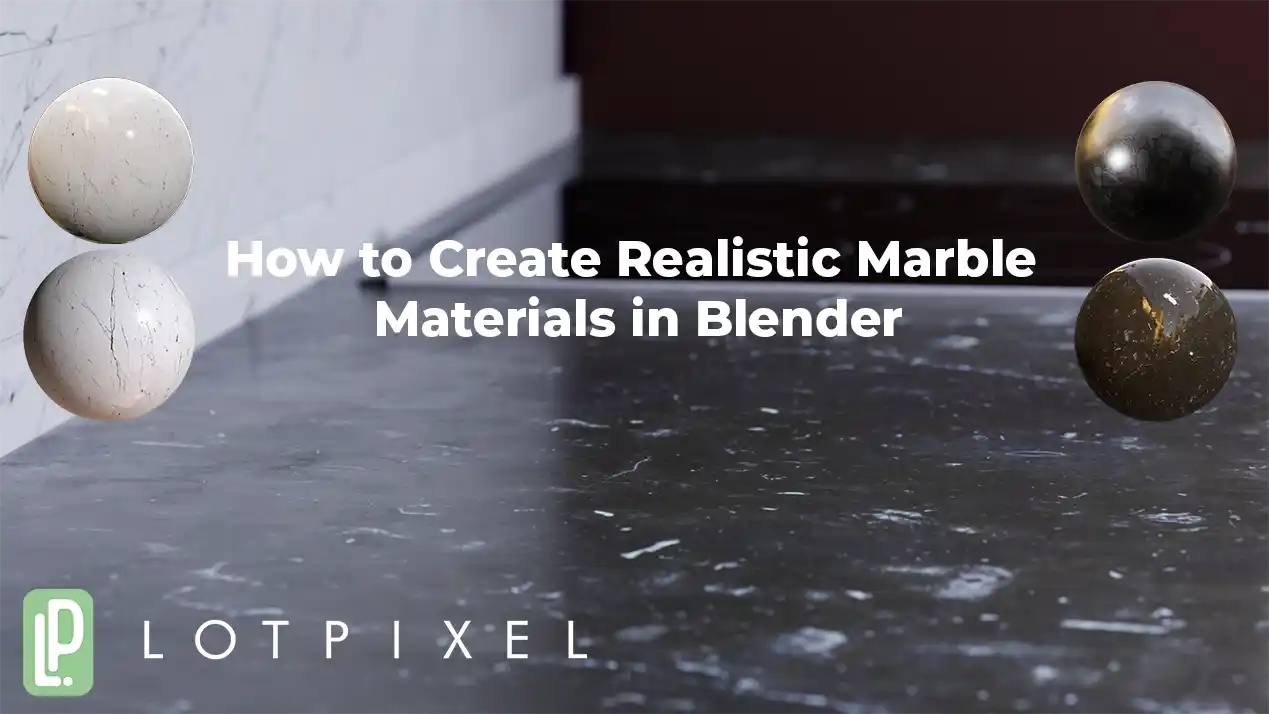
Learn how to create realistic marble materials in Blender using correct scale, roughness control, and subtle surface imperfections.
 Tutorials
Create realistic wood parquet materials in Blender using imperfections. Learn how to add scratches, stains, and surface variation with a one-click workflow powered by LotPixel Hub.
 Tutorials
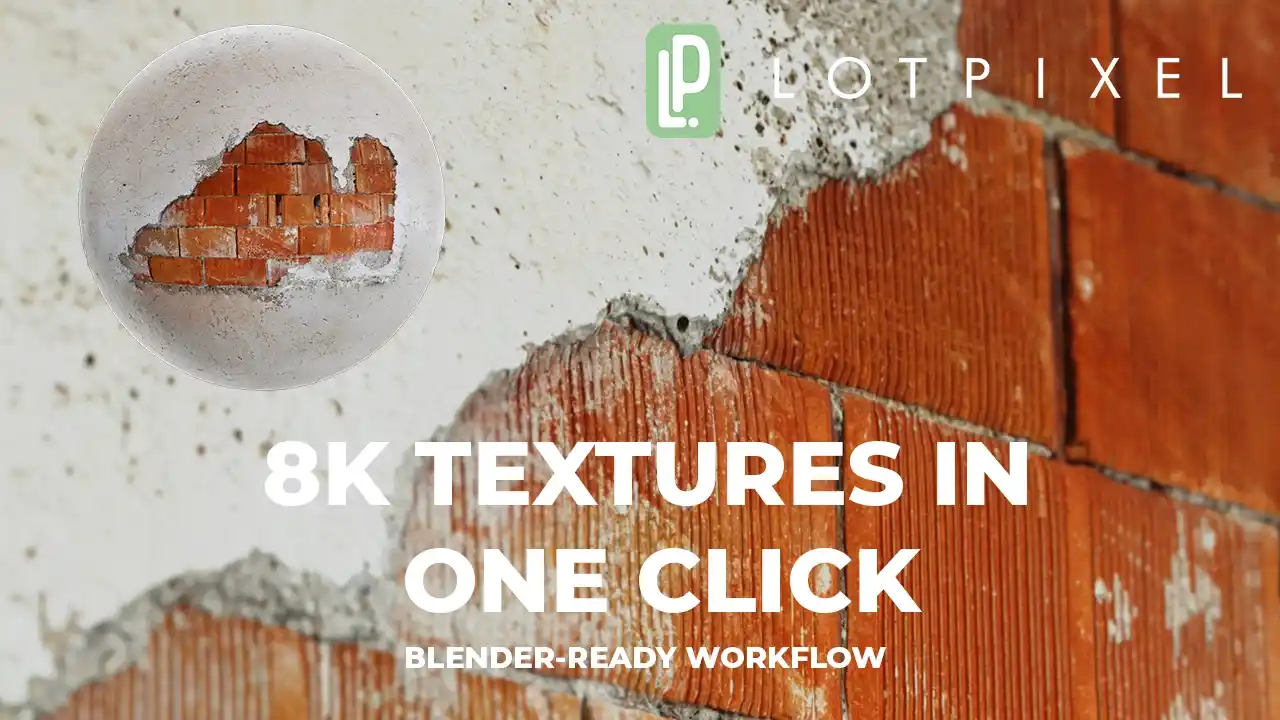
Learn how to create realistic concrete textures in Blender using LotPixel Hub. One-click import, correct normal maps, displacement control, and a clean PBR workflow.
 News
News
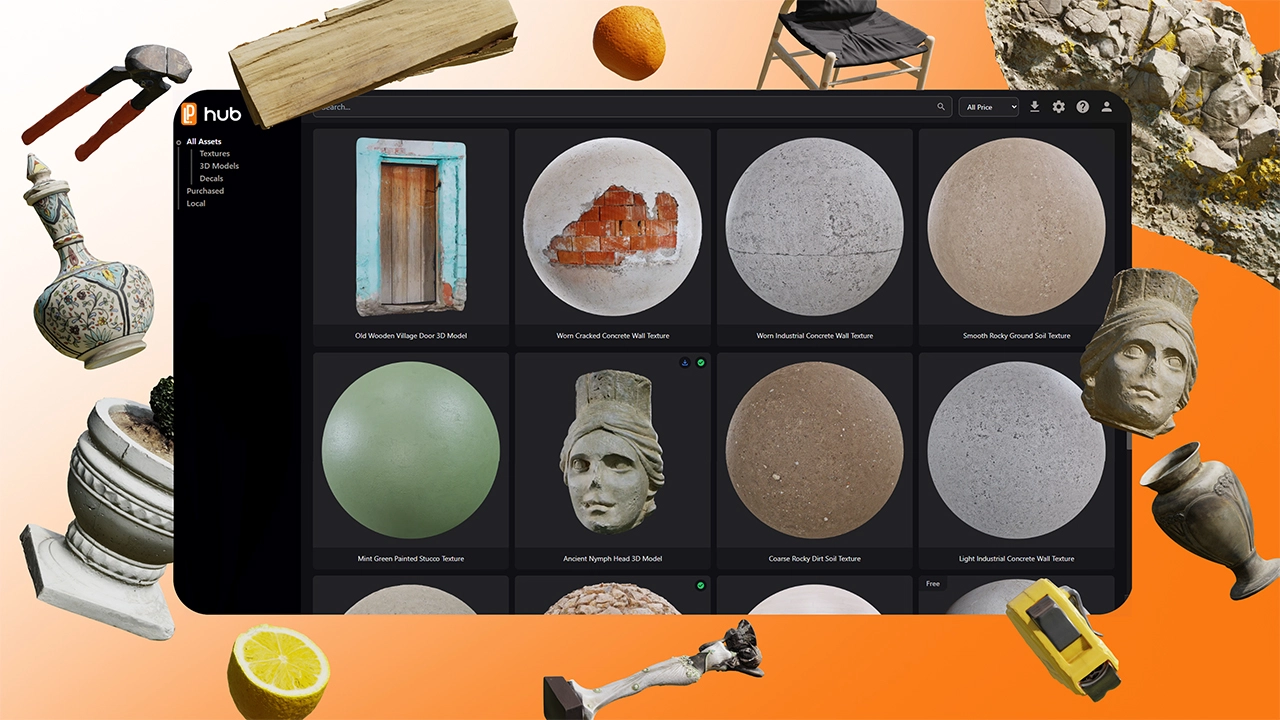
LotPixel Hub Beta is live! Access high-quality blender textures, fast textures for blender workflow, free texture blender options, one-click import and full material control.
 News
News
Access over 6,000 PBR textures, 3D models, and decals in Blender with LotPixel Hub. Use 1,500 free assets instantly. Completely free during the beta period
 Materials
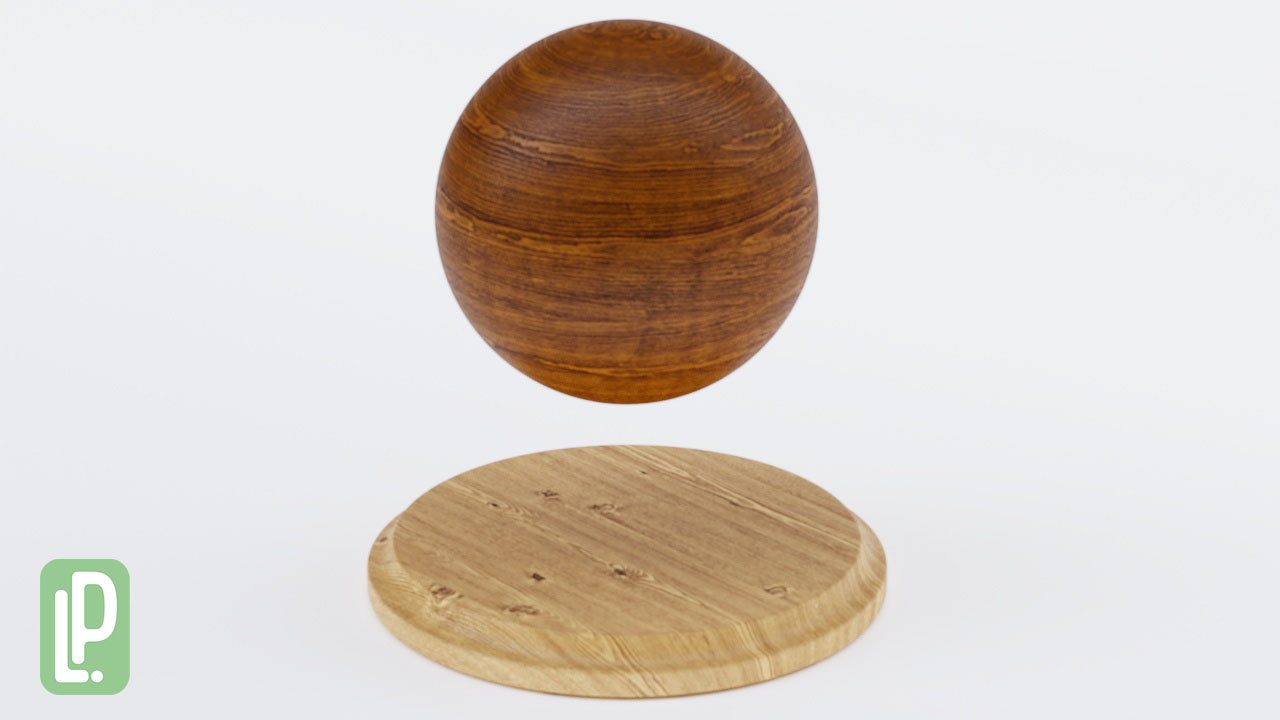
Discover LotPixel's new collection of 20 photogrammetry-based wood textures, compatible with Blender and all major 3D software. Elevate your scenes with 8K realistic PBR materials designed for professionals.