This category should build LotPixel authority around how realistic assets are created, not only how they are downloaded. Cover photogrammetry, texture capture, cross polarization, map extraction, physical material behavior and PBR decisions in a way that helps artists understand why scanned assets look believable in production.
 Materials
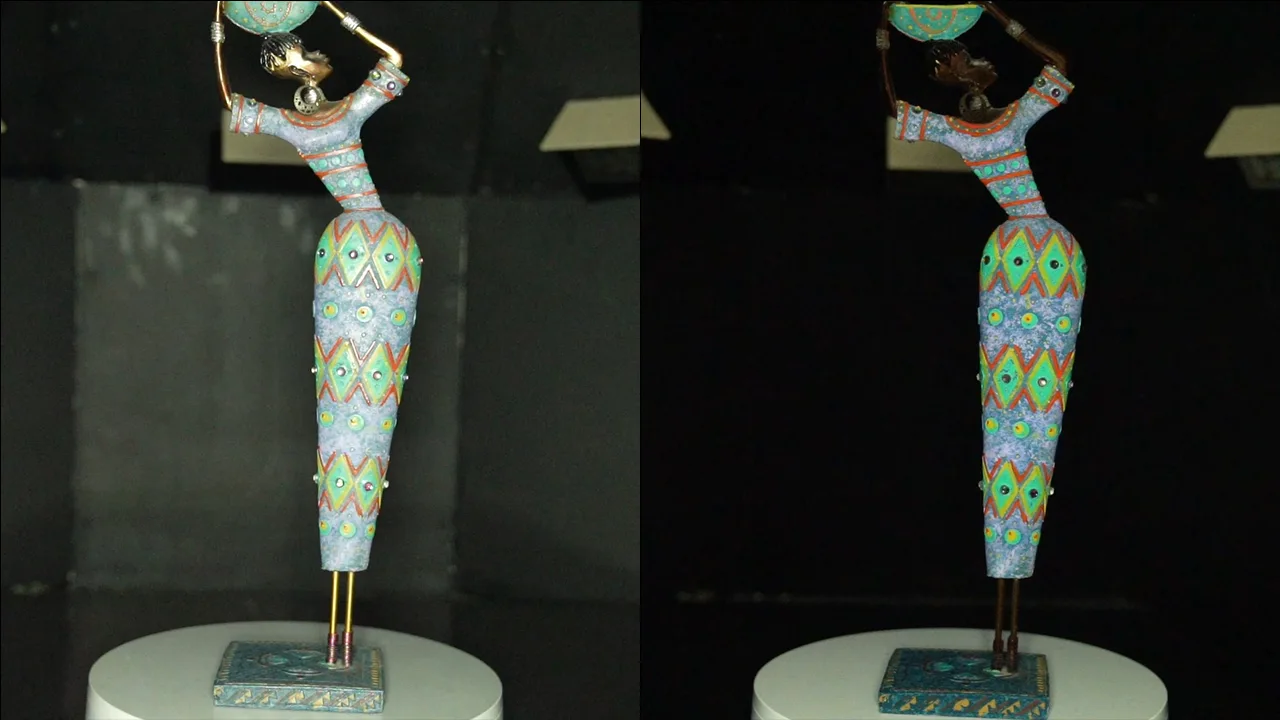
A detailed guide for 3D artists, VFX professionals, and photogrammetry experts. Discover how cross polarization helps capture glare-free textures and boosts material accuracy.
 Materials
Learn how photogrammetry-based textures are made, from capturing high-resolution photos to processing them into realistic 3D textures.
 Materials
MDL, short for Material Definition Language is a powerful framework developed by NVIDIA that allows for the creation and rendering of highly realistic materials in computer graphics. It provides a standardized and flexible approach to describe the appearance and behavior of materials used in 3D rendering applications. NVIDIA's MDL Nvidia offers a wide range of features and capabilities to create complex and visually stunning materials. It allows artists and developers to define various aspects of a material, such as surface properties, textures, reflectivity, translucency, and more. MDL also supports the creation of physically-based materials, enabling accurate simulations of light interactions and realistic rendering results.
 Materials
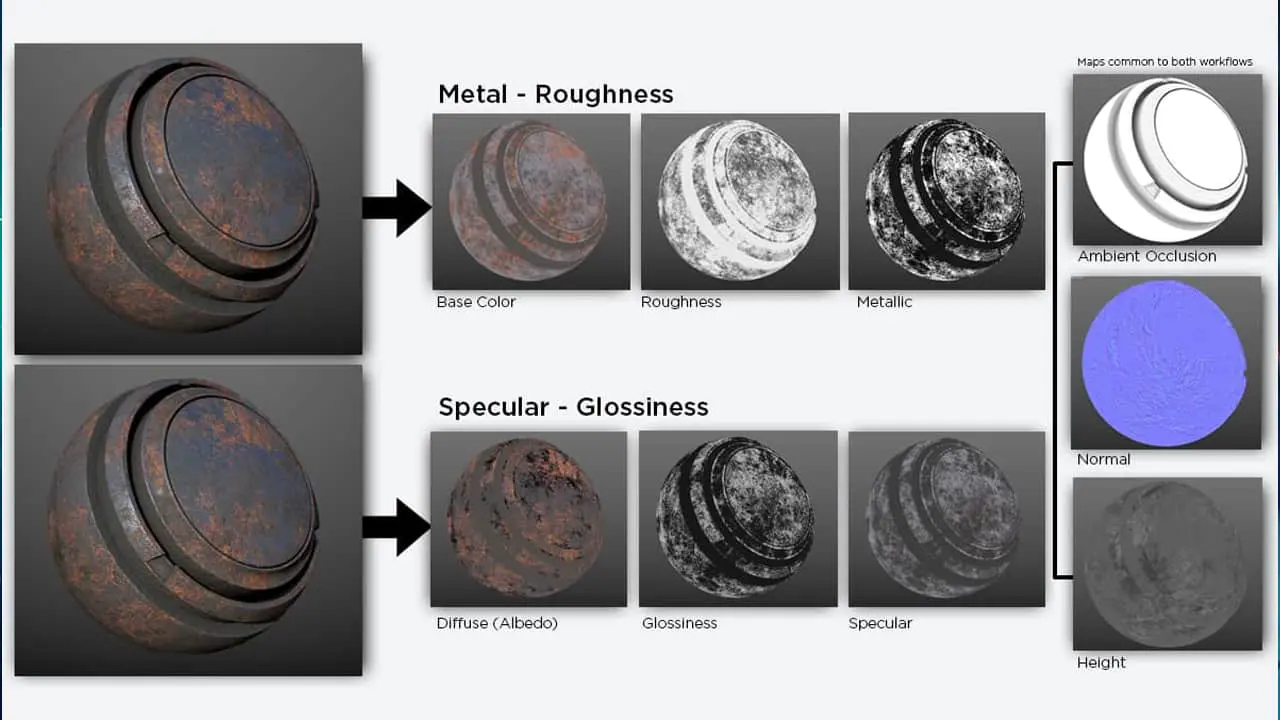
Physically Based Rendering (PBR) has transformed the world of computer graphics and game development by introducing a more accurate and realistic approach to texturing. PBR textures simulate how light interacts with various materials, resulting in stunning 3D visuals that closely resemble their real-world counterparts. PBR textures are created using either a Metallic or Specular workflow. These workflows define how different properties of a material, such as its reflectivity and roughness, are represented in the texture maps. Understanding the differences between these workflows and knowing how to use PBR textures effectively can greatly enhance the quality and authenticity of your digital creations.
 Materials
In the world of 3D animation and modeling, achieving realistic and visually captivating results is a top priority. One crucial element in this pursuit is the use of PBR (physically based rendering) textures. These textures simulate the behavior of real-world materials, allowing for more accurate lighting and shading in 3D renders. In this blog, we will delve into the process of using PBR textures in Element 3D and how to use PBR textures.
 Materials
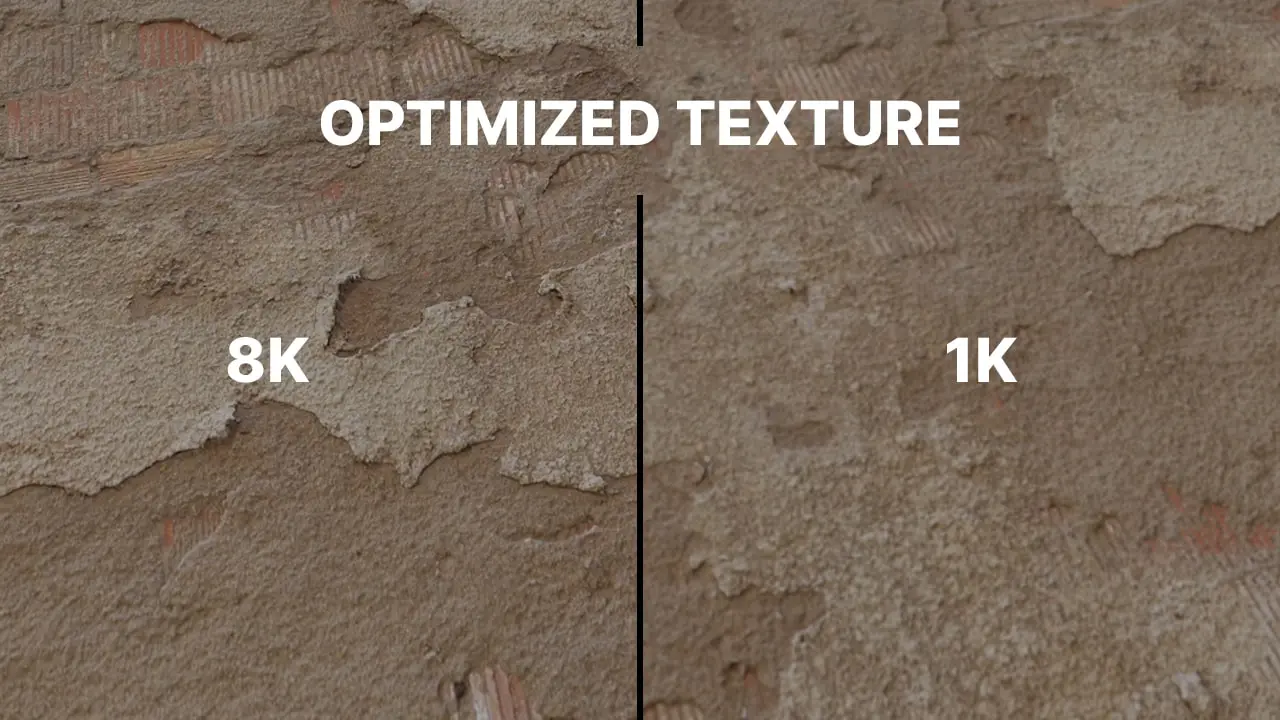
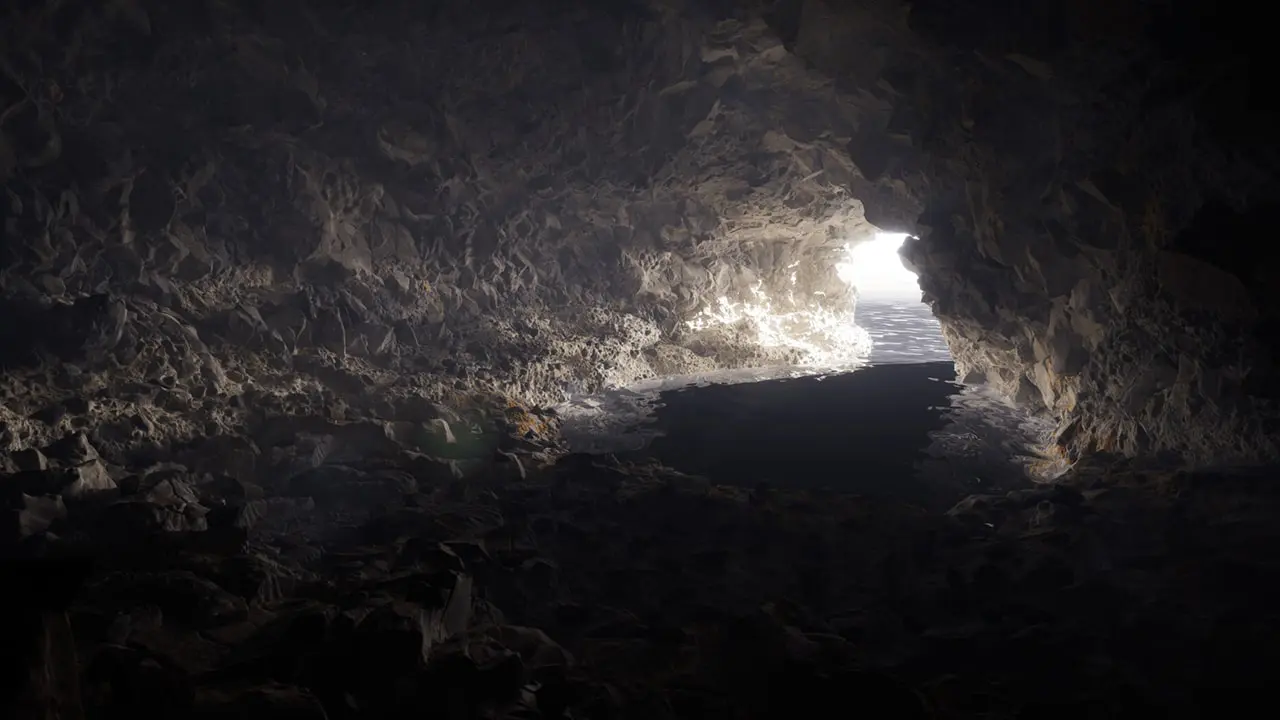
Real-time rendering has become an essential aspect of modern game development and 3D visualization, where the goal is to achieve high-quality graphics with smooth performance. Physically-Based Rendering (PBR) is a popular technique used in real-time rendering to create accurate and realistic materials for 3D objects. PBR texture plays a crucial role in achieving high-quality graphics, and optimizing them can significantly impact the overall performance of the application. In this context, understanding how to make PBR textures is crucial for game developers and 3D artists who want to create engaging and visually compelling real-time rendered scenes.
 Materials
PBR (Physically Based Rendering) textures and 3D modeling are intricately connected and work together to achieve realistic and visually stunning computer-generated imagery. PBR textures, also known as texture maps, contain vital information about the physical properties of materials applied to a 3D model. These textures typically consist of several maps, each serving a specific purpose. For example, an albedo map defines the base color and reflectivity of the surface, a roughness map determines the micro surface roughness, a metallic map identifies areas that are metallic or non-metallic, and a normal map adds intricate surface details and enhances the perception of depth.
 Industry
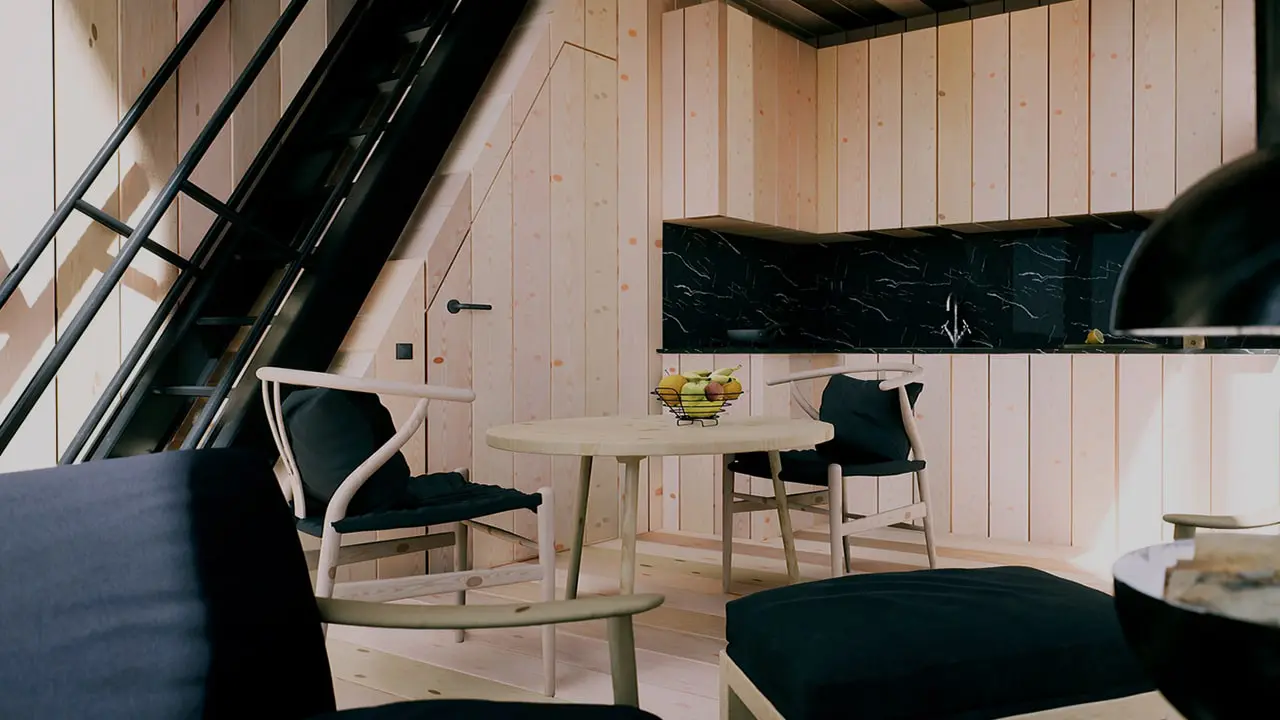
PBR (Physically Based Rendering) textures have revolutionized architectural visualization, allowing designers and artists to achieve stunning levels of realism. These textures are based on physically accurate properties such as albedo, roughness, and metallicness, enabling them to accurately mimic real-world materials and their interaction with light.
 Industry
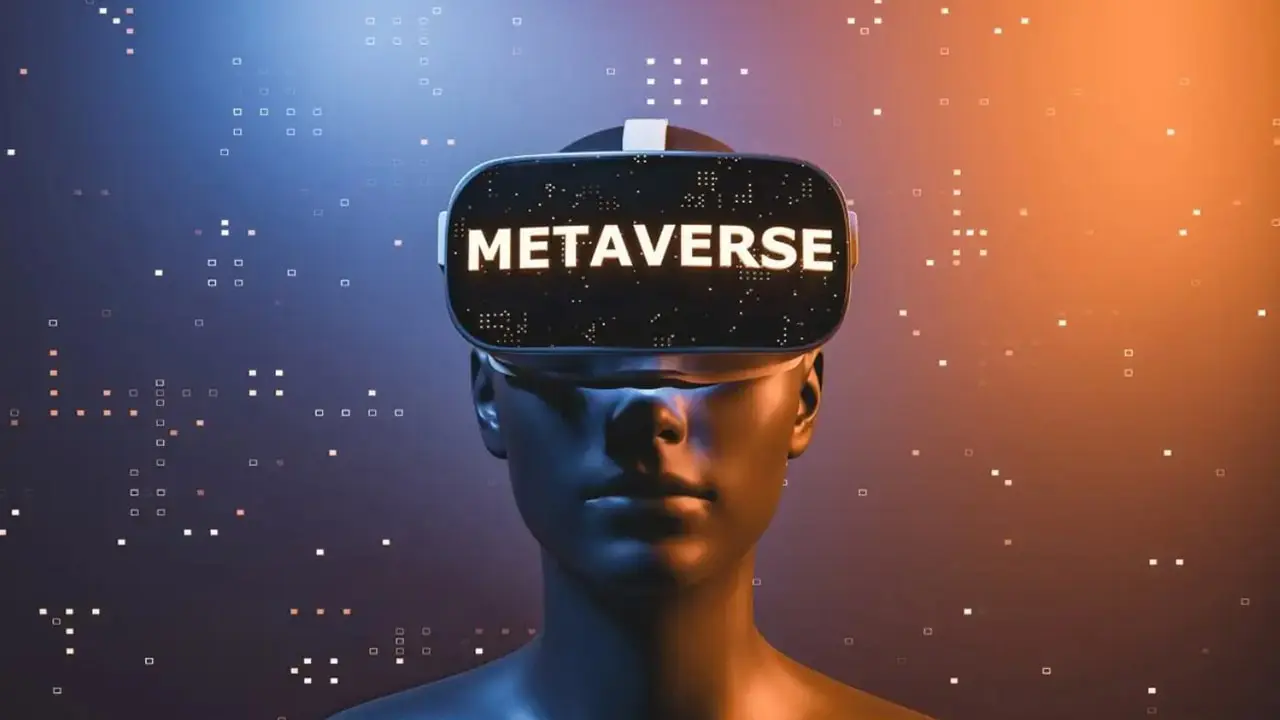
The metaverse is a virtual reality space that encompasses a wide range of interconnected digital experiences, from gaming to social interactions and everything in between. One crucial aspect of creating realistic and immersive virtual environments within the metaverse is the use of physically based rendering (PBR) textures. PBR textures are a set of image maps that simulate real-world materials and their properties, such as roughness, reflectivity, and normal maps. By incorporating PBR textures freely into metaverse applications, developers can achieve stunning visuals and lifelike materials that enhance the user's sense of presence and immersion. In this guide, we will explore such as how to effectively use PBR texture in the metaverse, and how to make PBR textures covering the process of texture creation, implementation, and optimization to create visually captivating and interactive virtual experiences.
 Materials
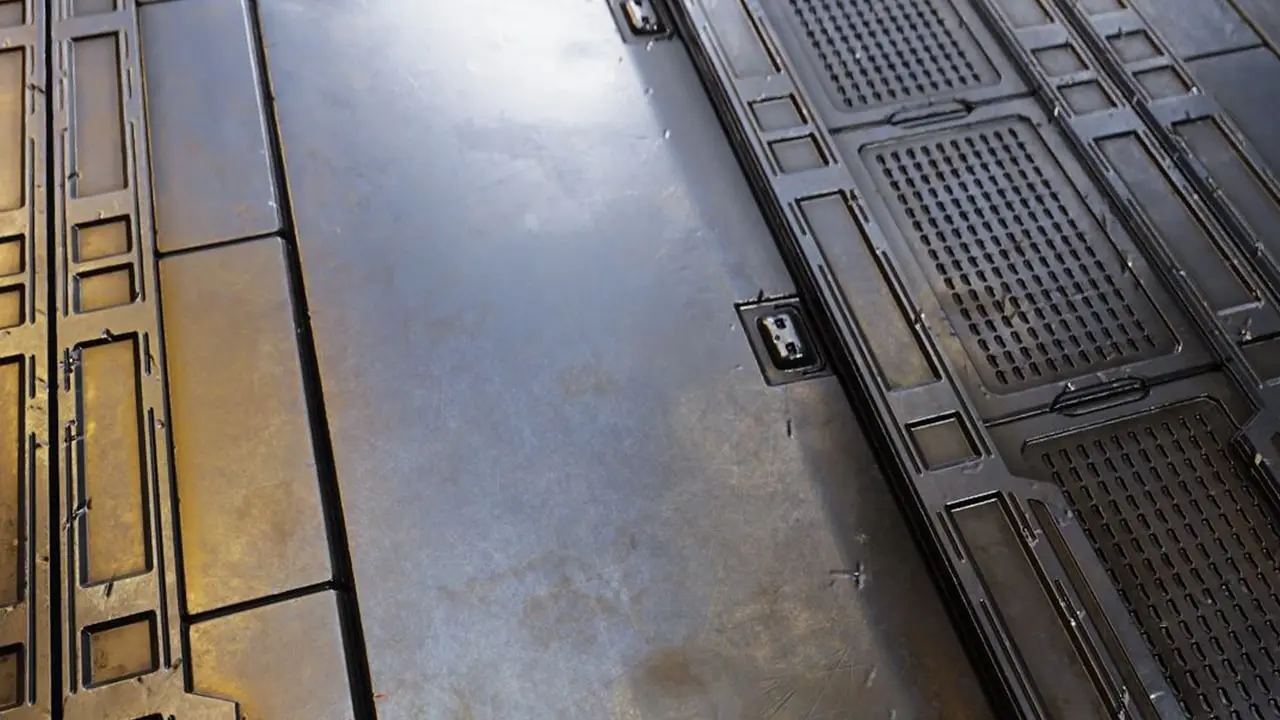
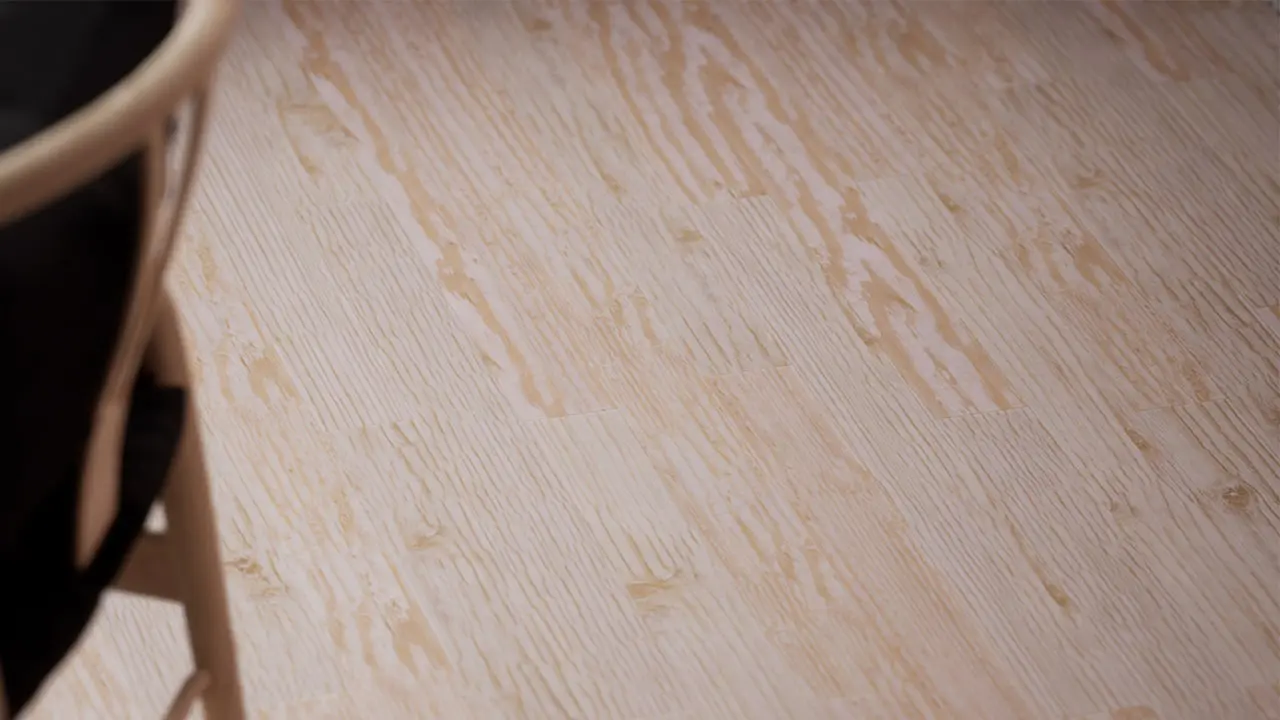
Physically-Based Rendering (PBR) textures are a contemporary way of 3D rendering that offers numerous benefits over traditional texturing methods. PBR textures simulate real-world materials, making them a main tool for creating realistic and accurate 3D models. In this context, PBR textures provide enhanced efficiency, versatility, and cost-effectiveness, making them fatal assets for designers, artists, and game developers. In this article, we will find the very benefits of using PBR textures in 3D rendering.
 Industry
How to Use PBR Textures in Games is a topic known as Physically Based Rendering (PBR) textures have become the industry standard for creating realistic textures in video games. PBR textures utilize a set of standardized maps that copy the physical properties of a surface, such as roughness, metallicity, and environmental stoppage. Implementing PBR textures in video games requires an understanding of how to do and use these maps effectively to do realistic and visually appealing game assets. It is also significant to think about the show impact of PBR textures on the game motor and hardware requirements, as well as how they will be integrated into the game's rendering pipeline. In this answer, we will find the key considerations when using PBR textures in games, including texture work, optimization, and integration into the game engine like Unreal Engine or Unity etc.
 Materials
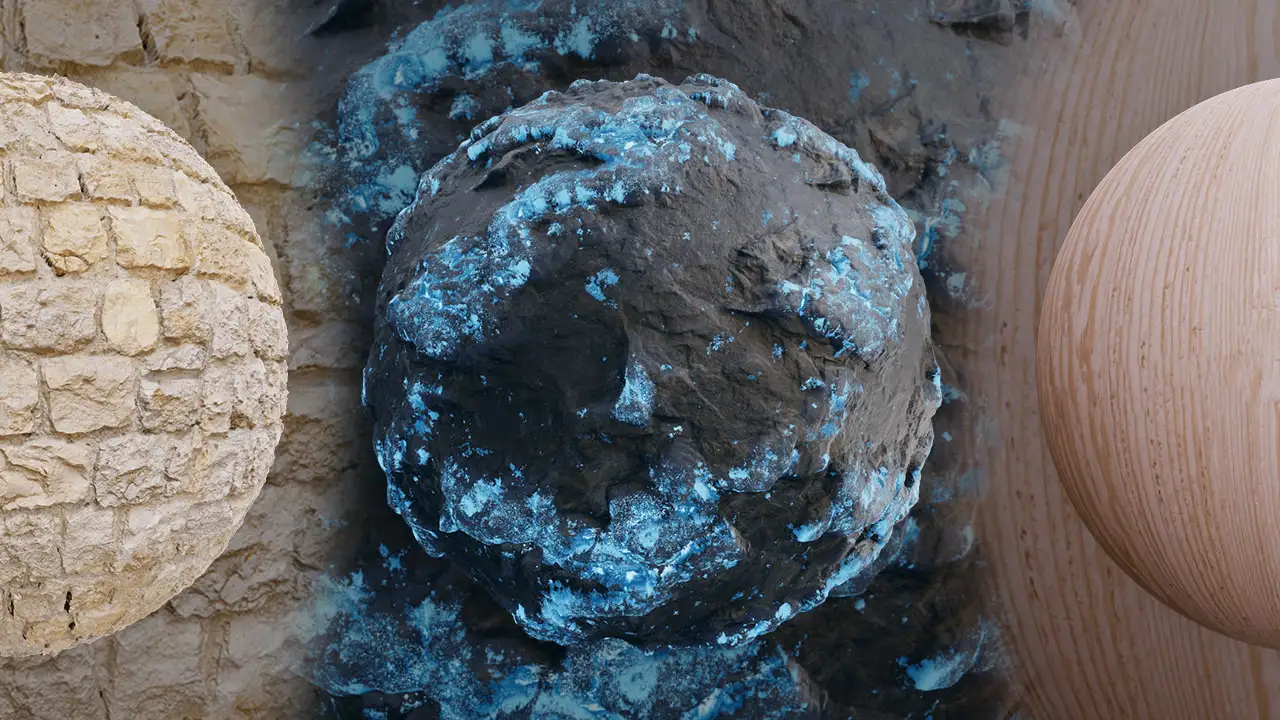
You turn your designs with our premium texture compilation. From grunge to minimalistic, we have textures to fit every mode. Texture can be defined as the look or feel of the texture on the surface. We can give examples such as the rough or tender feel of a fabric, the rough or smooth surface of a rock, and the bark or smooth surface of a tree. In addition to this, the texture is a mostly used concept in art, design, graphic design, and other visual media fields. In computer games, the texture is a prominent component that visually creates the game world and offers a realistic experience to the players. Textures are view files that describe the details and properties of objects and surfaces.