A good tutorial page should help artists solve a real production problem, not only explain a concept. Use this category for practical LotPixel guides that show how to import assets, prepare materials, organize scenes, fix common workflow issues and move from setup to final result inside Blender, 3ds Max and related 3D tools.
 Industry
Why are VFX studios shutting down? What's behind the drop in CGI quality? In this blog, we explore the industry's structural problems and the key role of 8K textures in visual realism.
 Materials
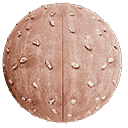
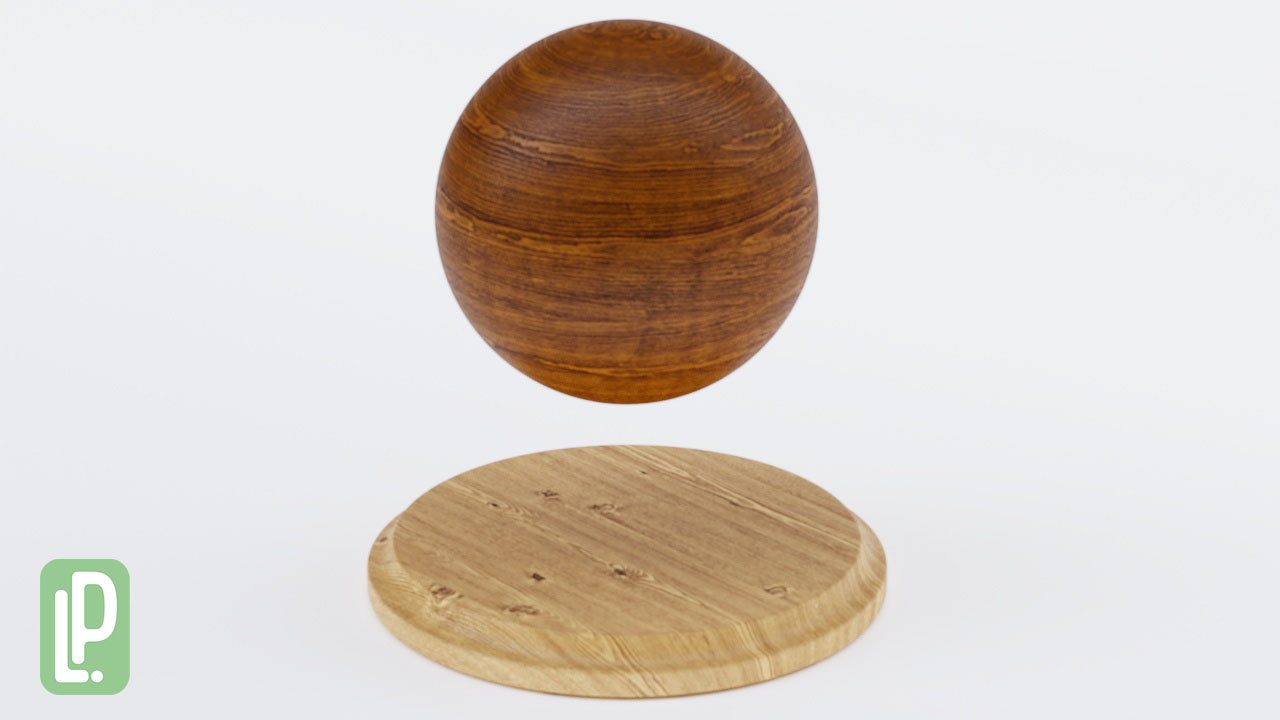
Discover LotPixel's new collection of 20 photogrammetry-based wood textures, compatible with Blender and all major 3D software. Elevate your scenes with 8K realistic PBR materials designed for professionals.
 3D Modeling
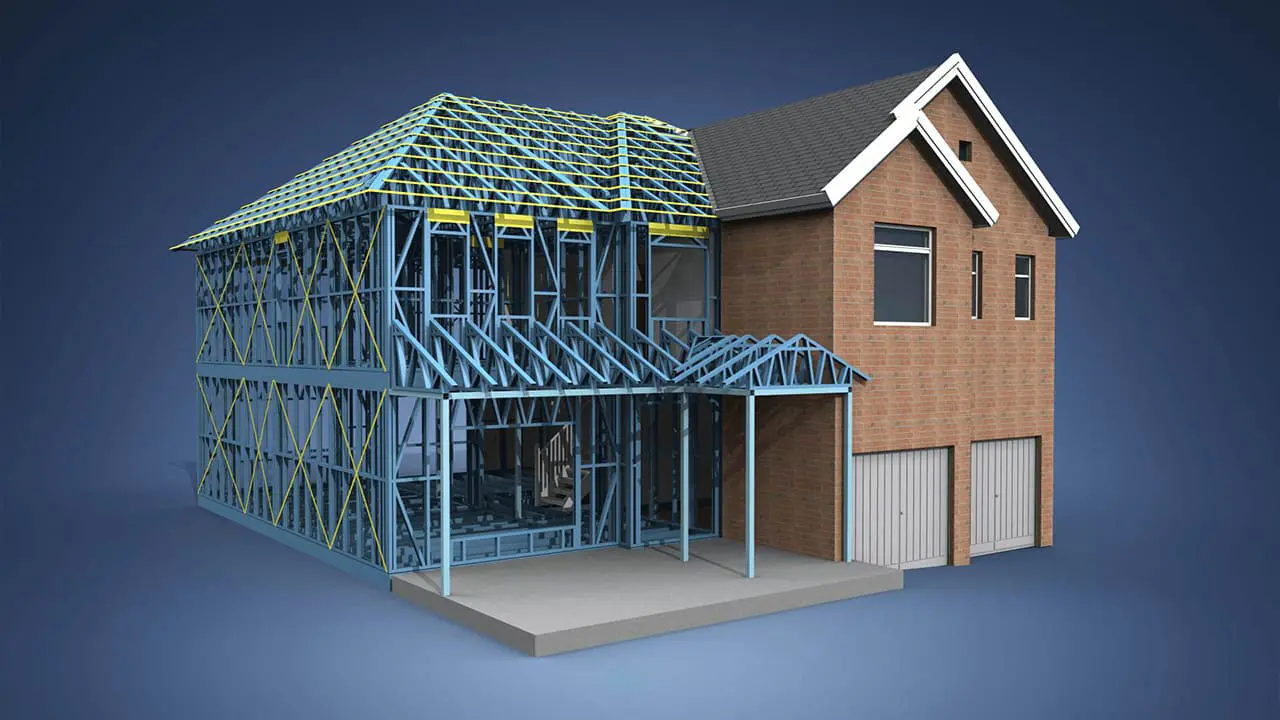
3D model is a complex art form that demands precision, creativity, and attention to detail. However, even seasoned professionals can fall victim to common mistakes that can hinder their progress and the quality of their work. Understanding these pitfalls and learning how to rectify them is essential for honing your 3D modeling skills. 3D modeling is a craft that demands diligence and a willingness to learn from mistakes. By recognizing and addressing these common errors, you can elevate your skills and produce more polished and professional-looking 3D content. Through a combination of practice, attention to detail, and a willingness to adapt, you can navigate these challenges and achieve remarkable results in your detailed 3D modeling endeavors.
 Materials
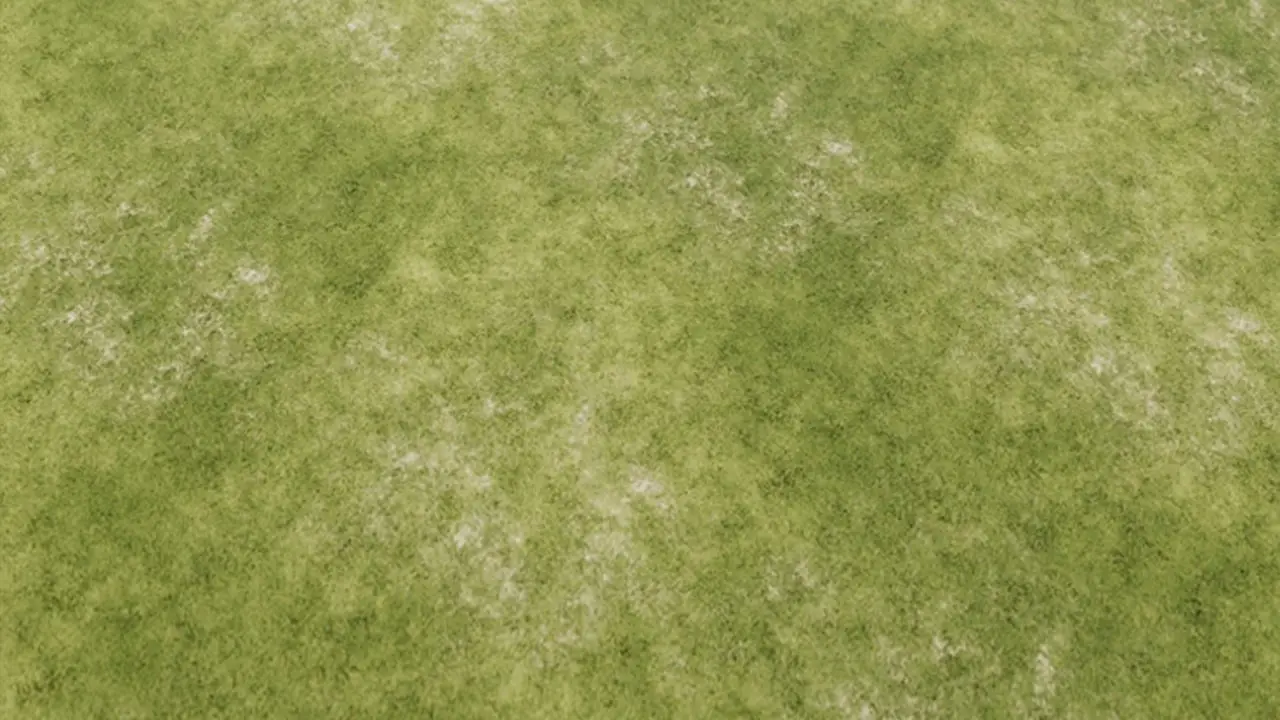
Are you looking to add a touch of nature to your designs? Look no further than these seamless grass textures. With their realistic and detailed designs, these textures will bring your artwork to life. Download them now and start creating stunning and captivating designs. Seamless grass textures are digital images or patterns that can be used in design projects to create the appearance of grass. These textures are designed to seamlessly repeat, meaning they can be tiled or repeated without any visible seams or edges.
 Materials
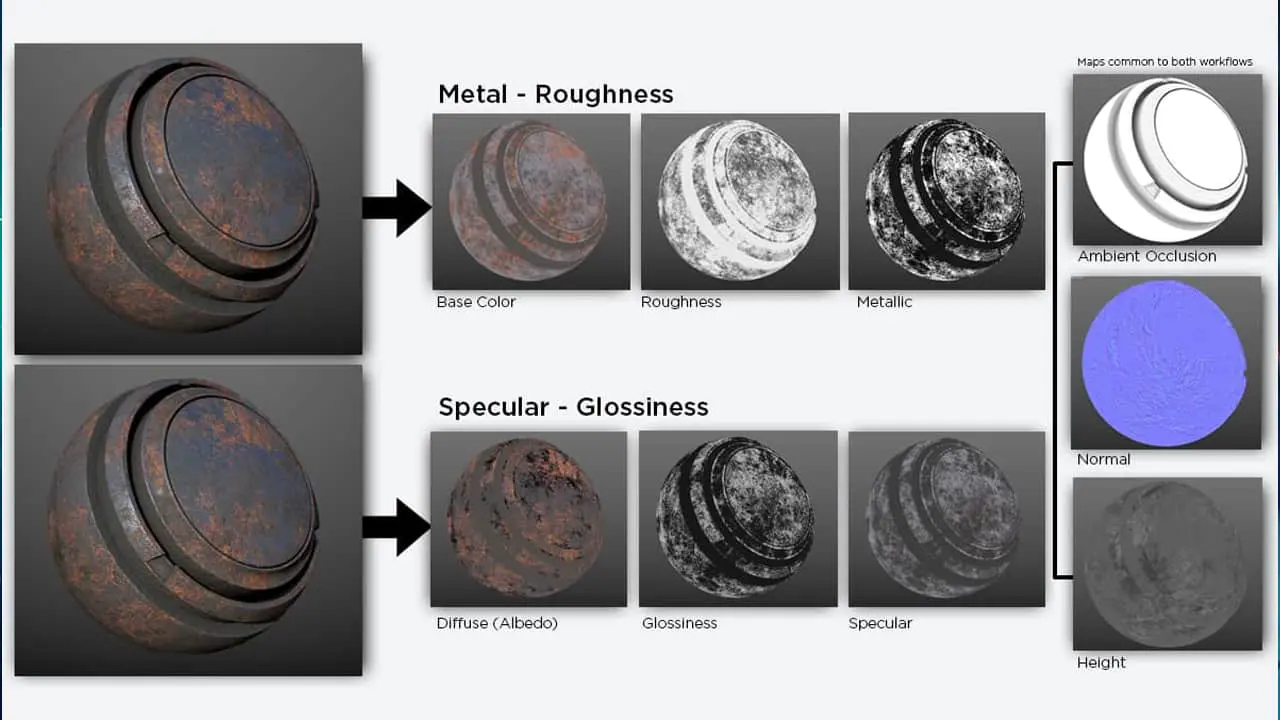
Physically Based Rendering (PBR) has transformed the world of computer graphics and game development by introducing a more accurate and realistic approach to texturing. PBR textures simulate how light interacts with various materials, resulting in stunning 3D visuals that closely resemble their real-world counterparts. PBR textures are created using either a Metallic or Specular workflow. These workflows define how different properties of a material, such as its reflectivity and roughness, are represented in the texture maps. Understanding the differences between these workflows and knowing how to use PBR textures effectively can greatly enhance the quality and authenticity of your digital creations.
 Materials
In the world of 3D animation and modeling, achieving realistic and visually captivating results is a top priority. One crucial element in this pursuit is the use of PBR (physically based rendering) textures. These textures simulate the behavior of real-world materials, allowing for more accurate lighting and shading in 3D renders. In this blog, we will delve into the process of using PBR textures in Element 3D and how to use PBR textures.
 3D Modeling
Creating realistic 3D models with texture mapping is an essential aspect of any 3D project. Texture mapping involves applying textures and materials to a 3D model's surfaces, enhancing its visual appeal and realism. By meticulously incorporating details such as color, patterns, and surface properties, texture mapping breathes life into free 3D models, 3D building models, 3D game models, and various other assets. Whether it's a detailed 3D car model or a 3D rock model, texture mapping plays a crucial role in simulating real-world textures, such as leather texture, metal texture, wood texture, or fabric texture, resulting in a more immersive and visually engaging experience.
 3D Modeling
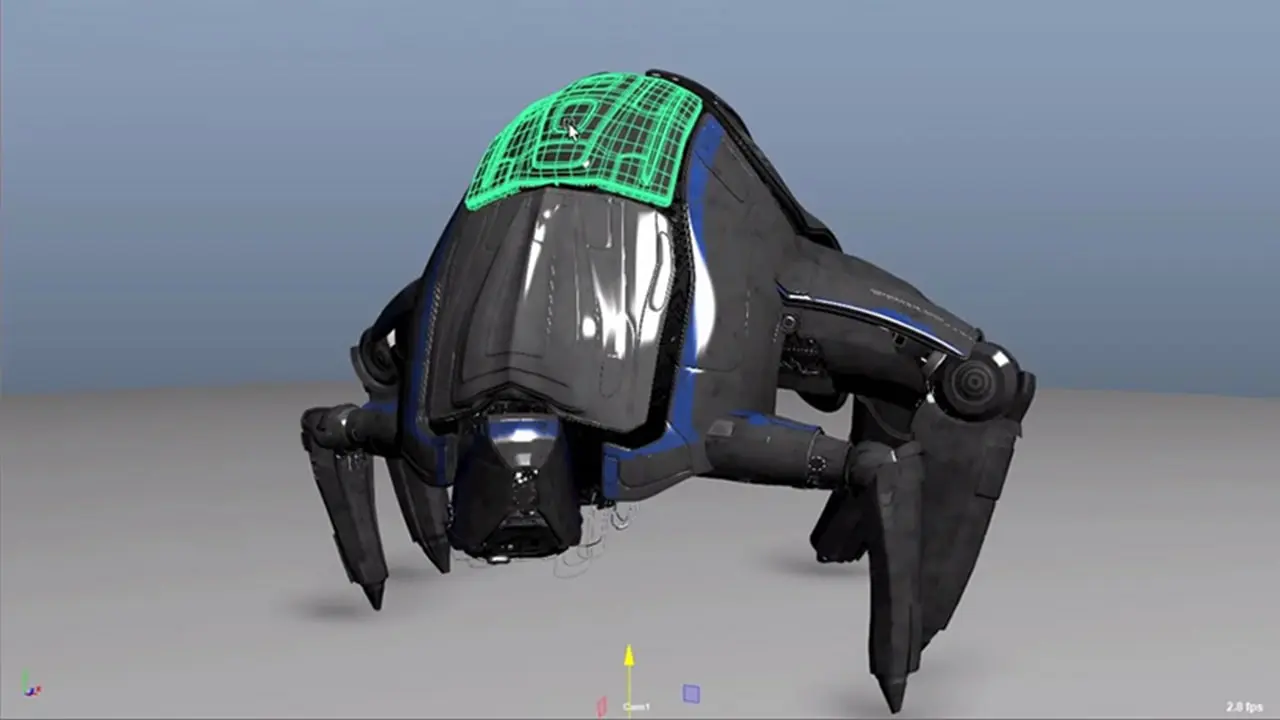
When delving into the world of 3D model creation, it's crucial to understand the diverse range of 3D content available. One fascinating aspect is the creation of 3D rock models, which bring virtual characters to life. Understanding anatomy and proportions is essential for creating realistic human models. Learning about topology and edge flow helps ensure smooth deformations during rigging and animation processes. Additionally, there is a vast library of free 3D models accessible online, which can serve as valuable resources for beginners. These models, ranging from objects to entire environments, can be studied, modified, and used in personal projects to accelerate the learning process. Embracing the wealth of available 3D content can enhance the journey of learning the art of 3D character model model creation.
 Materials
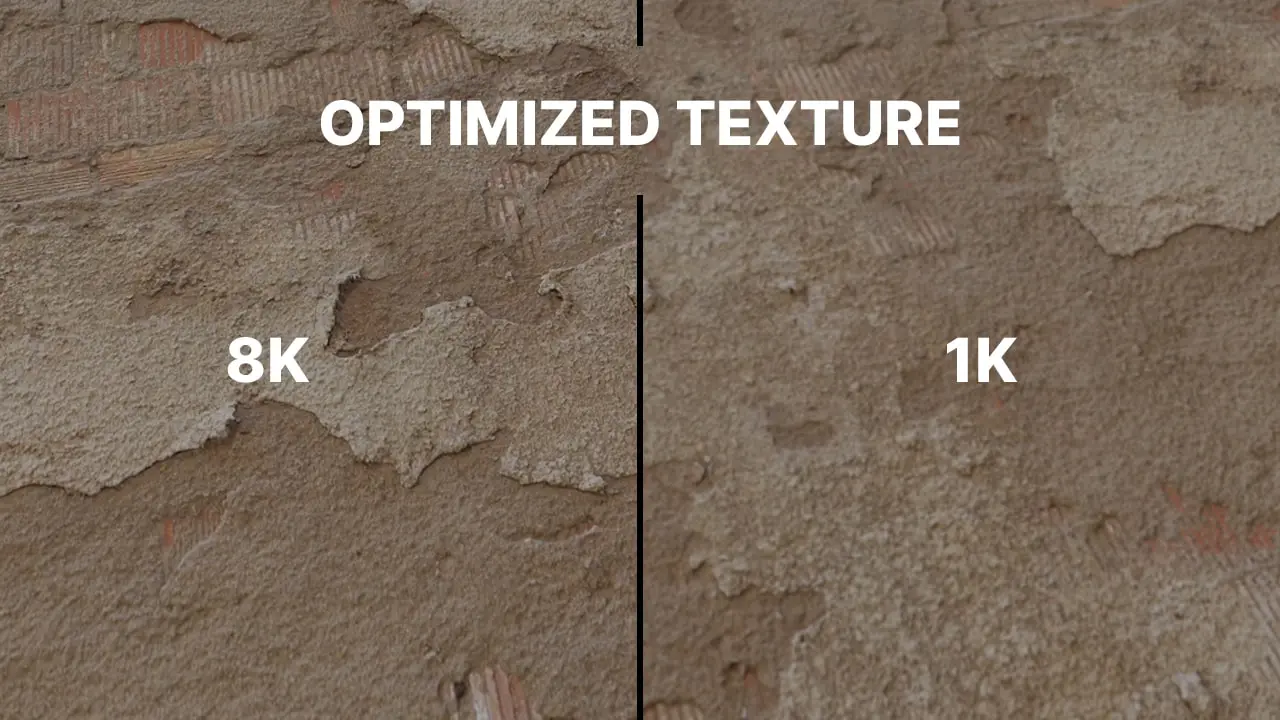
Real-time rendering has become an essential aspect of modern game development and 3D visualization, where the goal is to achieve high-quality graphics with smooth performance. Physically-Based Rendering (PBR) is a popular technique used in real-time rendering to create accurate and realistic materials for 3D objects. PBR texture plays a crucial role in achieving high-quality graphics, and optimizing them can significantly impact the overall performance of the application. In this context, understanding how to make PBR textures is crucial for game developers and 3D artists who want to create engaging and visually compelling real-time rendered scenes.
 Tutorials
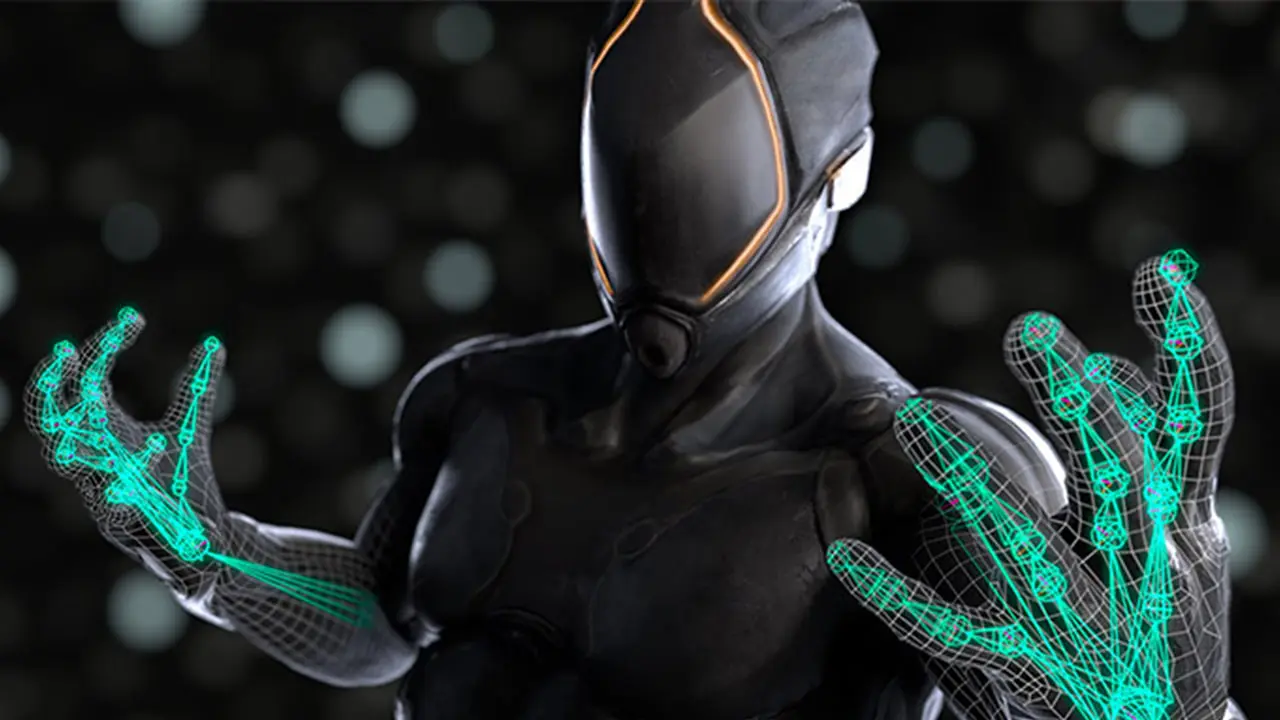
When it comes to creating animations with 3D models, there are several tips and tools that can help you achieve impressive results. To create captivating animations with 3D models, it's crucial to start with a strong foundation. Begin by planning your animation, sketching out storyboards, and defining key poses or frames to guide your work. Utilize specialized 3D modeling software to create and manipulate your 3D character models with precision.
 Industry
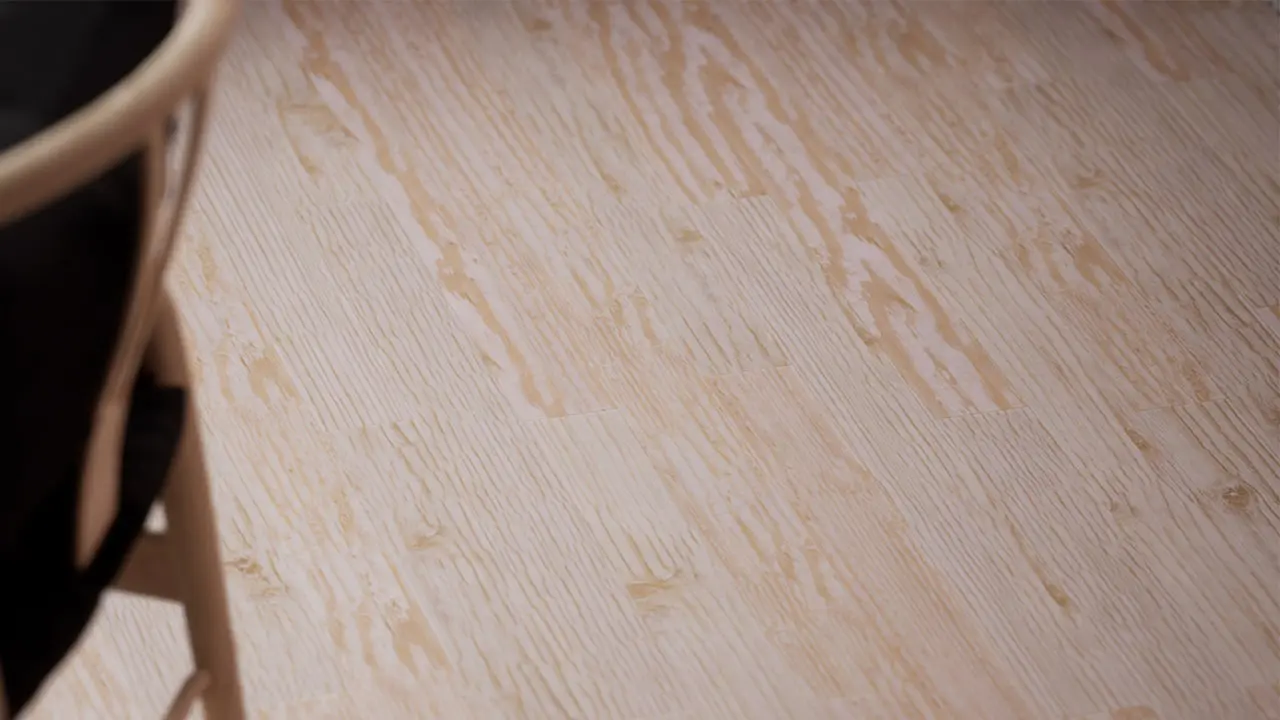
How to Use PBR Textures in Games is a topic known as Physically Based Rendering (PBR) textures have become the industry standard for creating realistic textures in video games. PBR textures utilize a set of standardized maps that copy the physical properties of a surface, such as roughness, metallicity, and environmental stoppage. Implementing PBR textures in video games requires an understanding of how to do and use these maps effectively to do realistic and visually appealing game assets. It is also significant to think about the show impact of PBR textures on the game motor and hardware requirements, as well as how they will be integrated into the game's rendering pipeline. In this answer, we will find the key considerations when using PBR textures in games, including texture work, optimization, and integration into the game engine like Unreal Engine or Unity etc.
 Industry
Render Farm is a network system of high-performance computer hardware, which is used to reduce the rendering time of large graphic projects and make it minimum. Through the developing technology, there has been a lot of innovation in our daily lives. However, in some situations, individual computers become insufficient for creating projects. Since these computers completed this process in a long time, some users' work was disrupted. Render Farm is a system produced to solve this exact problem. Thanks to this system, creating games, movies, drawings, or 3D models developed through certain programs and applications become easier.